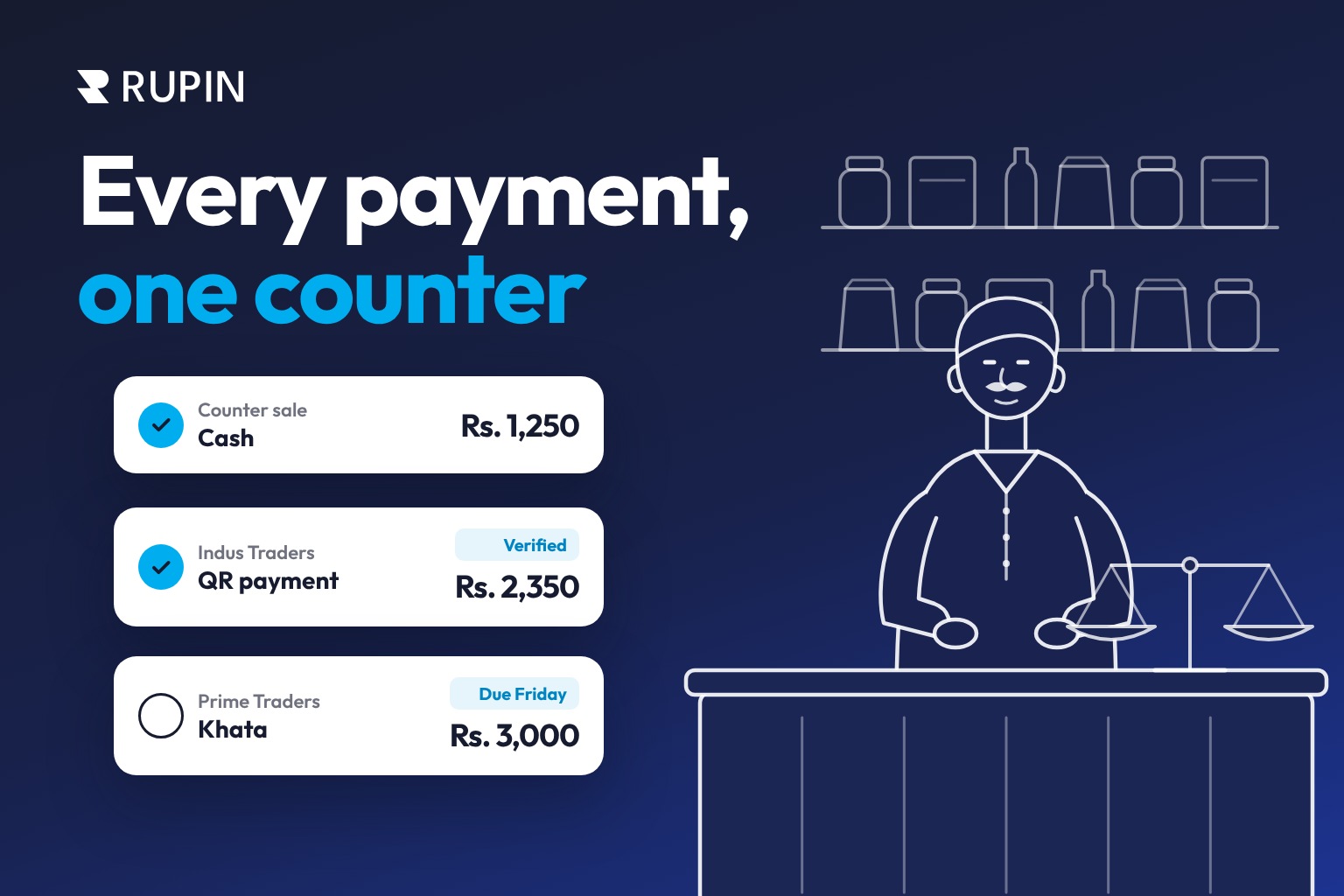
Imagine a customer buying groceries worth Rs. 2,350 from your kiryana store. They hand you a Rs. 5,000 note, and you have to search for change while other customers wait.
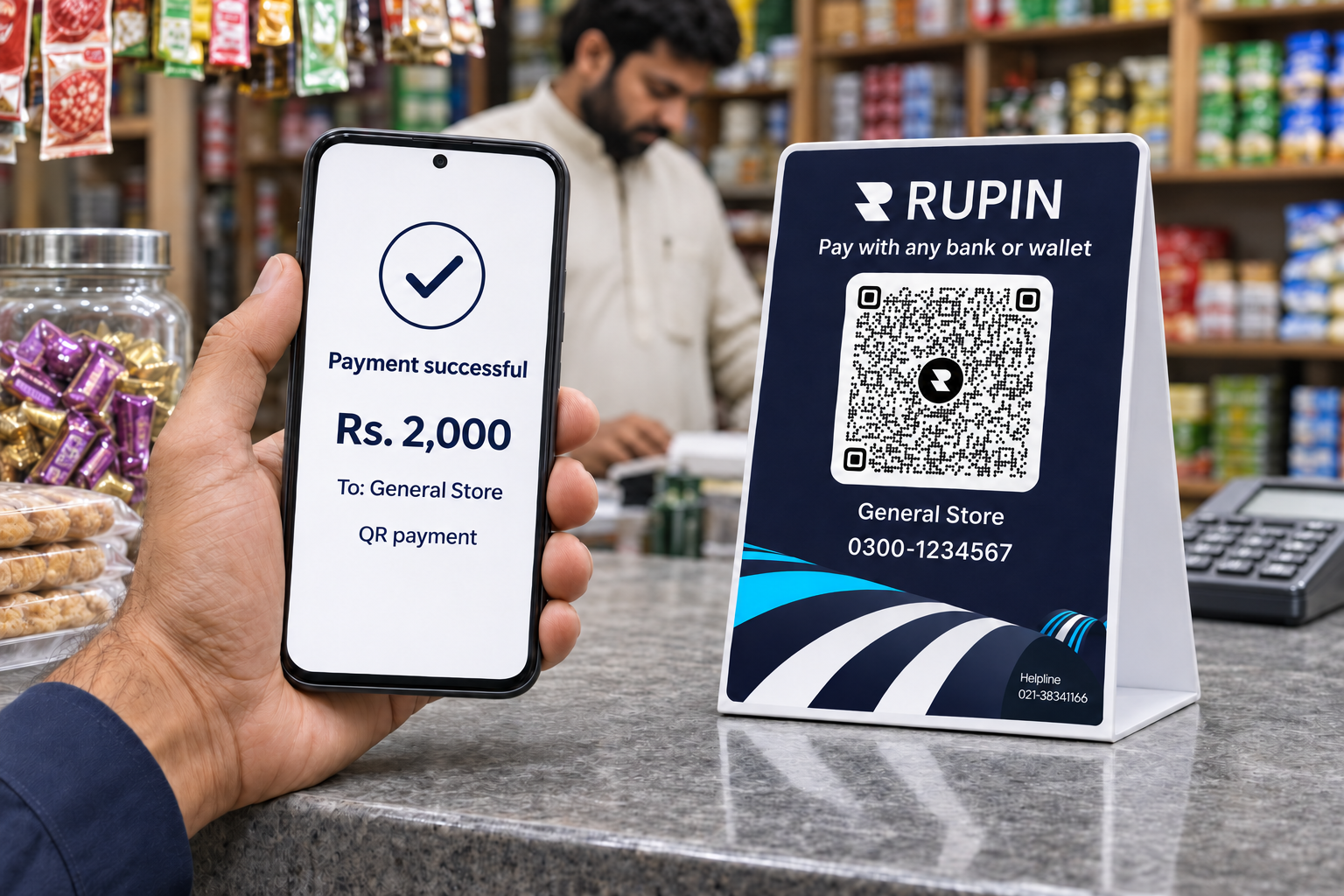
Now imagine the same customer scanning a QR code at your counter, entering the amount, and confirming the payment. You verify the transaction, and the sale is complete.
That is the convenience of accepting payments through a QR code.
QR payments are expanding rapidly across Pakistan. The number of QR enabled merchants increased from approximately 1.1 million in FY25 to 3.8 million in FY26. During FY26, these merchants processed 297 million QR transactions worth Rs. 1.6 trillion.
And getting started is becoming easier for small businesses.
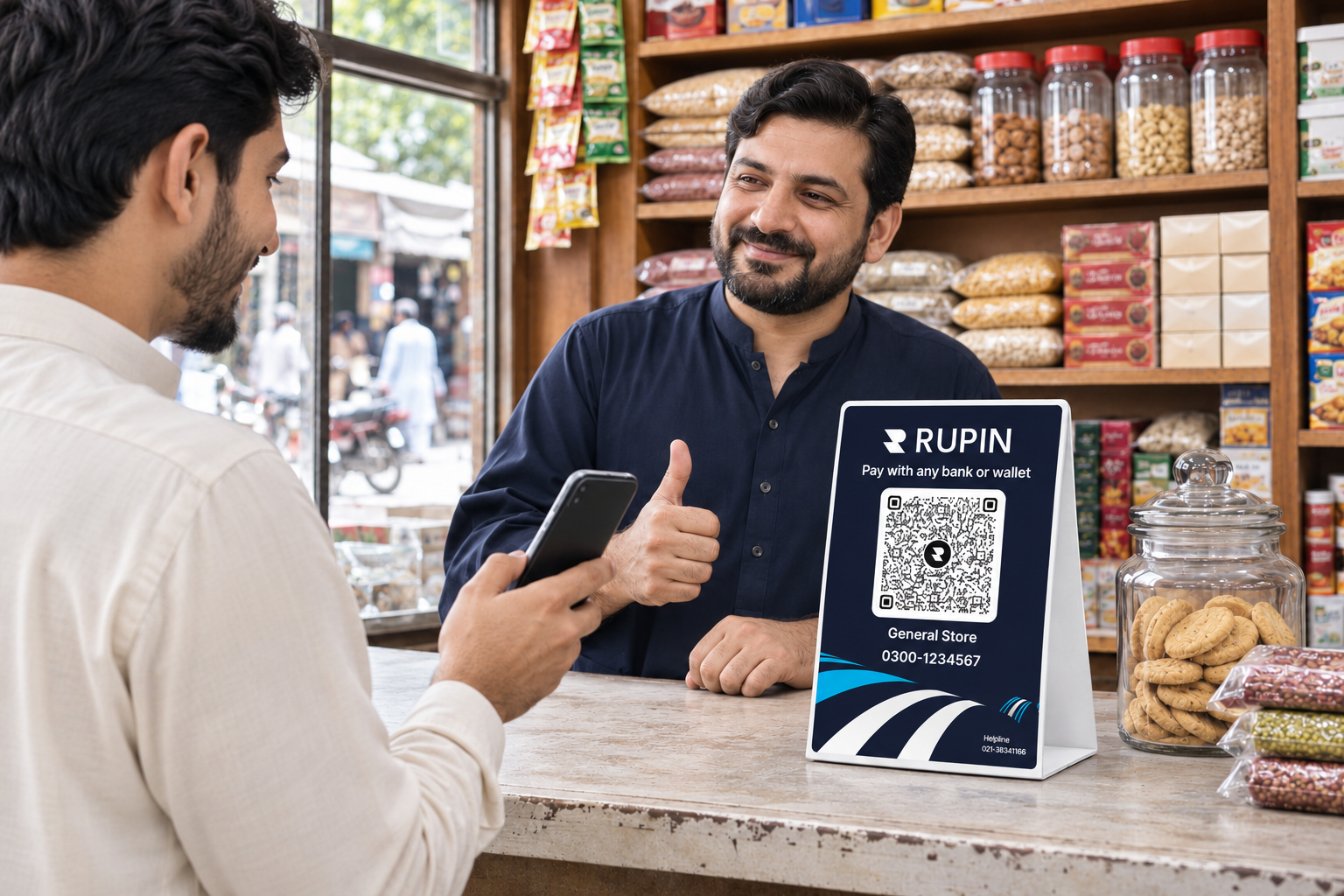
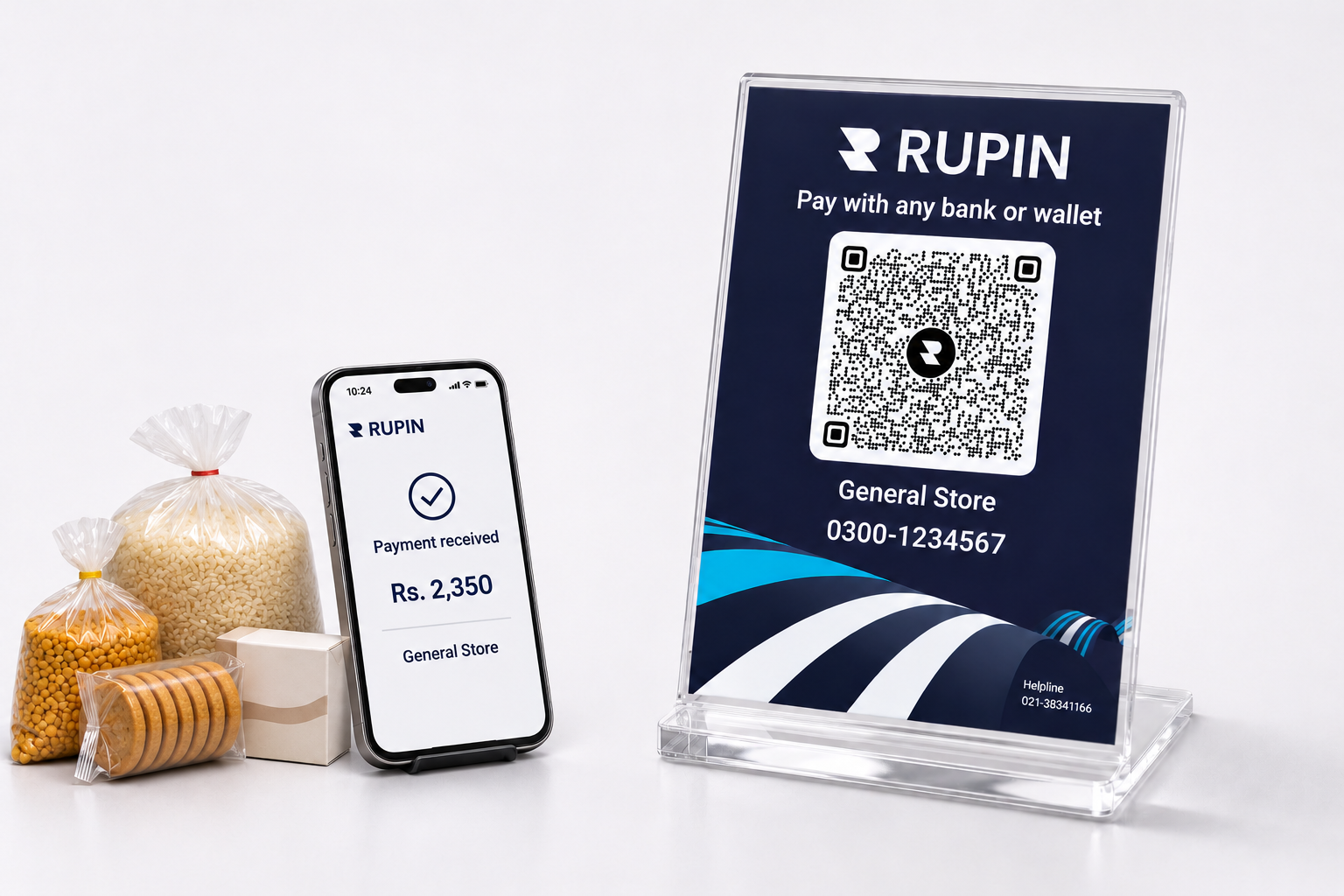
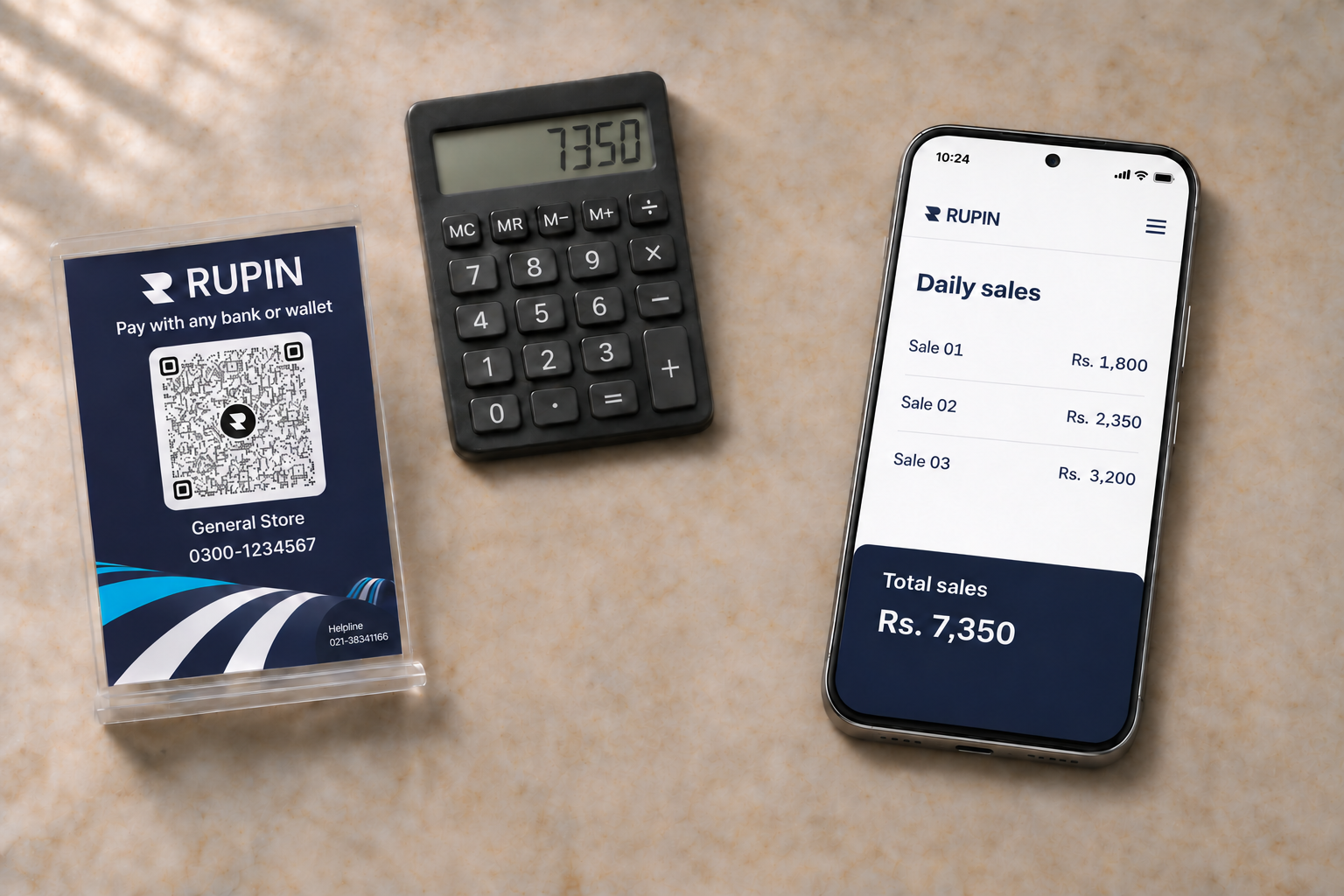
Rupin is offering Pakistani merchants a free physical QR code at their own shop or kiryana store. A Rupin representative can provide the code directly at your business location. You can also contact Rupin customer support to request yours.
This guide explains how QR code payments work in Pakistan, how to accept Raast QR payments, which banking apps support them, what they cost, and how Rupin helps businesses manage payments and everyday finances.
Why Are QR Code Payments Growing in Pakistan?
Cash has traditionally been the preferred payment method for everyday purchases in Pakistan. However, managing physical cash involves counting notes, arranging change, and keeping track of collections.
QR payments give businesses another option.
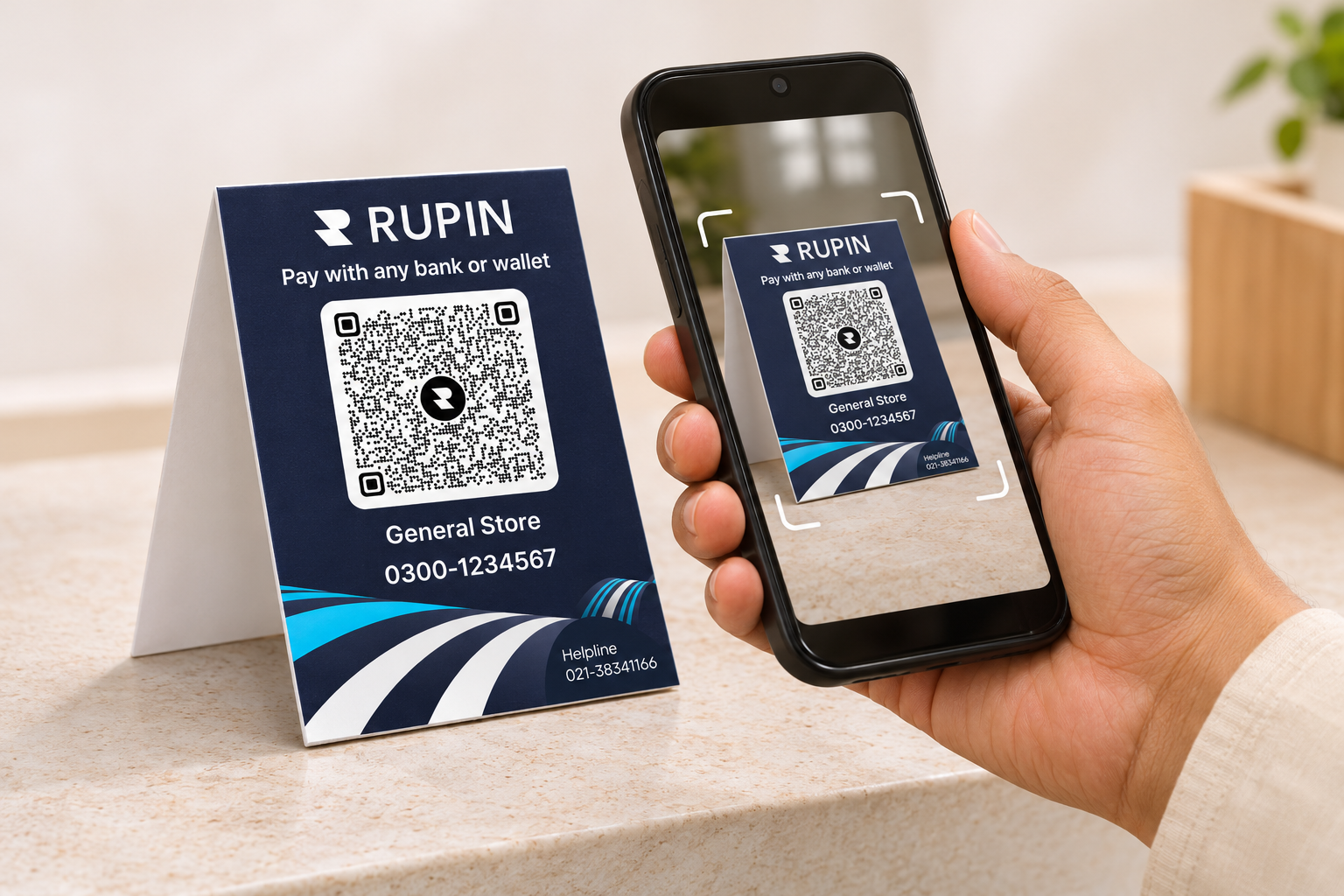
A merchant can display a printed QR code or standee at the counter. Customers scan it using compatible banking applications or mobile wallets, enter or confirm the amount, and authorize the payment.
Pakistan's growing QR payment infrastructure reflects this shift.
The government's Cashless Pakistan initiative has also supported merchant QR adoption through financial incentives during a specified period.
For businesses, the opportunity is straightforward: offer customers a convenient digital payment option without depending entirely on cash or installing a traditional card POS terminal.
What Is a QR Code Payment?
A QR code payment is a digital payment method in which a customer scans a merchant's Quick Response code using a compatible banking application or digital wallet to initiate a transaction.
Think of a QR code as a digital address for money.
Instead of manually sharing a bank account number or IBAN, the merchant displays a code containing the relevant payment information. The customer scans it, reviews the details, enters or confirms the amount, and authorizes the payment.
A merchant QR code can be displayed:
- On a shop counter or physical standee
- At restaurant tables or checkout areas
- On invoices and receipts
- On a merchant's digital payment screen
- Through WhatsApp or other digital channels, where supported
It provides a practical payment collection option for kiryana stores, restaurants, clothing outlets, home based businesses, freelancers, and service providers.
What Is Raast QR Payment in Pakistan?
Raast is Pakistan's instant payment system developed under the State Bank of Pakistan (SBP).
Its Person to Merchant service, commonly called Raast P2M, enables businesses to accept digital payments through methods including QR codes, merchant aliases, IBAN, and Request to Pay.
What Is Raast P2M?
P2M stands for Person to Merchant. It refers to payments made by individuals to businesses.
For example, when a customer scans a grocery store's QR code to pay for their shopping, the transaction falls under the merchant payment category.
Raast P2M supports:
- Static QR codes
- Dynamic QR codes
- Merchant aliases
- International Bank Account Numbers
- Request to Pay
Raast P2P vs Raast P2M
One QR Code, Multiple Payment Apps: Why Interoperability Matters
Imagine displaying five different QR codes beside your cash register, each associated with a different bank or wallet.
Customers would have to identify which code works with their payment application.
Interoperability aims to reduce this friction.
SBP introduced a national QR payment standard based on EMVCo specifications to support compatible QR issuance and acceptance across participating financial institutions.
This allows customers to use compatible banking applications and wallets to scan standardized merchant QR codes, even when the customer and merchant use different financial institutions.
However, interoperability does not guarantee that every application supports every payment arrangement. Compatibility depends on the applicable QR standard and the participating financial institution.
For merchants, a compatible interoperable QR arrangement can reduce the need to display multiple payment codes and make digital payment acceptance more convenient.
Static vs Dynamic QR Codes: Which Should a Business Choose?
Businesses generally encounter two types of payment QR codes.
Static QR code: A reusable merchant code displayed permanently at a business location. Customers scan the same code and generally enter the payment amount themselves.
For example, a customer buying groceries worth Rs. 1,800 scans the shop's QR code, enters Rs. 1,800, and authorizes the payment.
Static QR codes are suitable for kiryana stores, small retail shops, market stalls, home based businesses, freelancers, and independent service providers.
Dynamic QR code: A code generated for a specific transaction. It can include the payment amount and other transaction information.
For example, a restaurant generates a QR code for a customer's Rs. 3,200 bill. The customer scans it and reviews the prefilled amount before authorizing payment.
Dynamic QR codes can be useful for restaurants, retail chains, online stores, delivery services, and businesses generating individual invoices.
For a small grocery shop, a static QR code may be sufficient. A restaurant handling individual bills may benefit more from dynamic QR codes.
How to Accept Payments via QR Code in Pakistan
The registration process depends on the bank or payment provider, but the general steps are straightforward.
Step 1: Choose a QR payment provider.
Compare supported QR standards, banking app compatibility, onboarding requirements, transaction charges, settlement arrangements, payment notifications, and transaction history.
Step 2: Open or link a merchant account.
Depending on the provider and business category, you may need:
- CNIC
- Registered mobile number
- Bank account details
- Business name and address
- Additional registration documents, where required
- NTN or other tax information, where applicable
Not every provider requires the same documentation.
Step 3: Complete merchant registration.
Submit the required information and complete the provider's verification process.
For Raast P2M, the provider establishes the relevant merchant payment arrangement. This may include a merchant alias, an identifiable payment address linked to the merchant's account.
Step 4: Generate or receive your QR code.
Depending on the service, your provider may issue a downloadable image, printable code, physical sticker, QR standee, or code within a merchant application.
Step 5: Display the code at your business.
Place it somewhere customers can easily find and scan, preferably near the payment counter.
Step 6: Test the payment process.
Check that the QR code scans correctly, the correct merchant details appear, the amount can be entered or confirmed, and the payment is processed successfully.
Step 7: Enable notifications and verify transactions.
Enable available payment alerts and check incoming payments through your official application or merchant dashboard.
A successful QR scan does not automatically mean money has been received. Verify the transaction before handing over goods.
Which Banking Apps and Mobile Wallets Support QR Payments in Pakistan?
Pakistan's digital payment ecosystem includes commercial banks, microfinance banks, electronic money institutions, mobile wallets, and payment service providers.
Customers may encounter QR payment functionality through services such as:
- JazzCash
- Easypaisa
- NayaPay
- SadaPay
- Zindigi
- Participating mobile banking applications from Pakistani banks
Banks such as HBL, UBL, Meezan Bank, and BankIslami are also part of the broader digital payment ecosystem.
Payment gateways and merchant service providers, including PayFast, offer additional payment acceptance options for businesses.
Not every provider offers identical merchant services or supports every QR arrangement. Merchants should confirm which QR standards, banking applications, and settlement arrangements their provider supports.
How Do Customers Pay Through Banking Apps and Wallets?
- Open a compatible banking application or mobile wallet.
- Select Scan, Scan to Pay, or QR Payment.
- Scan the merchant's QR code.
- Review the displayed merchant and payment details.
- Enter or confirm the payment amount.
- Review and authorize the transaction.
- Wait for the payment to be processed.
- The merchant verifies the payment confirmation.
What Are the Benefits of Accepting QR Payments for Businesses?
QR payments offer more than another way to collect money. They can make everyday business transactions easier to manage.
Reduce dependence on cash: Customers can pay digitally instead of relying entirely on physical cash and change.
Make payments more convenient: Customers can scan, review, and authorize payments through compatible banking applications and wallets.
Accept digital payments without a traditional POS machine: A merchant QR code can provide an alternative to dedicated card payment hardware. It does not replace every POS function, particularly card acceptance.
Improve transaction visibility: Digital payment records help merchants review incoming transactions and investigate discrepancies.
Make reconciliation easier: Merchants can compare digital collections against sales and invoice records, particularly when payment collection is connected to business management tools.
Offer more payment flexibility: An interoperable QR arrangement can serve customers using different participating banks and wallets.
Support business growth: As transactions increase, organized payment records can help businesses maintain a clearer picture of their sales, expenses, and collections.
QR Payments as an Alternative to Cash on Delivery
Cash on Delivery remains a popular payment method for online businesses in Pakistan. However, it can create challenges involving cash handling, refused orders, collection tracking, and reconciliation.
QR payments offer another option.
For example, a delivery rider can display a merchant QR code when handing over an order. The customer scans the code, confirms the amount, and authorizes payment through a supported application.
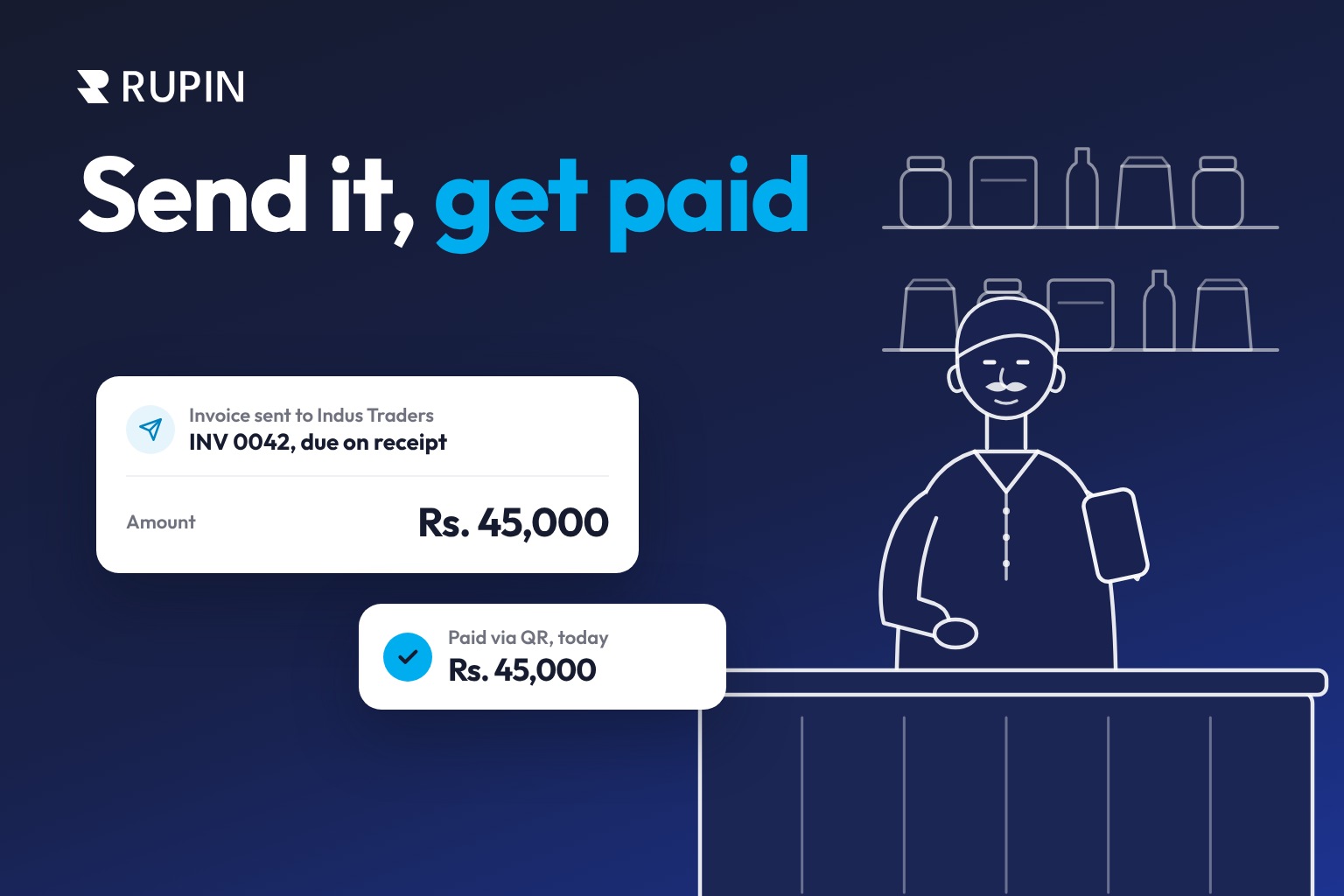
Online sellers can also share supported QR codes or payment links through WhatsApp, invoices, or other digital channels.
This can reduce dependence on cash collection and provide a digital transaction record.
However, businesses should verify successful payment before marking an order as paid or completing delivery. QR payments do not automatically replace COD. Offering both options accommodates different customer preferences.
How Much Do QR Code Payments Cost in Pakistan?
The cost depends on the provider, merchant agreement, and applicable charges.
Some banks and wallets may offer free or low cost merchant QR onboarding, while other arrangements may involve transaction charges or a Merchant Discount Rate (MDR).
MDR is a fee charged as a percentage of the transaction value for processing a merchant payment.
Before registering, check:
A free QR code does not necessarily mean every transaction is free. The cost of obtaining the physical code and the charges associated with processing payments are separate considerations.
What Was the Government's QR Payment Subsidy in Pakistan?
The government introduced financial support for Raast P2M QR transactions under the Cashless Pakistan initiative.
SBP announced a subsidy allocation of Rs. 3.5 billion for eligible transactions conducted between September 1, 2025, and June 30, 2026.
The subsidy was calculated at 0.5% of the eligible transaction value or Rs. 100, whichever was lower. It was shared between the financial institutions involved on the merchant and customer sides.
The specified transaction period ended on June 30, 2026. Merchants should not assume this particular subsidy is still available. Contact your provider to check whether any new incentives or onboarding offers apply.
Who Can Benefit from QR Payments?
QR payments are relevant to many types of businesses that collect customer payments.
For a small shopkeeper, a QR code beside the cash register may be enough to start. Larger businesses can integrate QR payments into broader operations involving invoices, sales records, and reconciliation.
Eligibility and documentation depend on the selected provider.
How Can Businesses Keep QR Payments Secure?
QR payments require proper verification. A QR code alone does not guarantee that every transaction is safe.
Follow these practices:
- Verify every payment: Check the successful transaction through your official banking application, merchant interface, or transaction history. A customer's screenshot is not proof of payment.
- Keep transaction alerts enabled: Notifications can help you identify incoming payments promptly, but check the official transaction status when necessary.
- Inspect printed QR codes: Look for unauthorized stickers or replacements that could redirect customer payments to another account.
- Confirm merchant details: Make sure the displayed merchant information matches the intended payment recipient.
- Protect account credentials: Never share passwords, PINs, or one time verification codes with anyone claiming to represent your bank or provider.
- Match payments with sales: Reconcile daily collections to identify missing payments, incorrect amounts, and discrepancies.
The goal is to make payments convenient while ensuring every transaction is properly verified.
How to Choose the Right QR Payment Solution for Your Business
Before choosing a provider, evaluate more than whether it offers a free QR code.
A useful payment solution should help your business collect money and make it easier to understand and manage that money.
How Rupin Helps Pakistani Businesses Accept QR Payments
Accepting QR payments is one part of running a business. Merchants also need to manage sales, expenses, customer credit, invoices, payment records, and overall business finances.
Rupin brings payment collection and everyday business management together.
Get a Free Physical Rupin QR Code at Your Own Shop
Rupin is offering eligible Pakistani merchants a free physical QR code for their business.
A Rupin representative can visit your shop, kiryana store, or business location and provide the QR code directly.
You can display it at your counter so customers can scan it and pay through supported banking applications and wallets.
You can also contact Rupin customer support to request your free merchant QR code and learn how to get started.
Accept Payments Through Multiple Channels
Rupin supports different payment collection options, including:
- QR payments
- IBAN-based payments
- Payment links
This gives businesses different ways to collect money, whether customers are visiting the shop or paying remotely.
Keep Payments and Business Records Connected
Rupin helps merchants organize payment activity and reconcile transactions with business records, reducing dependence on disconnected manual tracking.
Manage Khata, Sales, and Expenses
Beyond payment acceptance, merchants can use Rupin to manage:
- Digital Khata and customer credit
- Sales and expenses
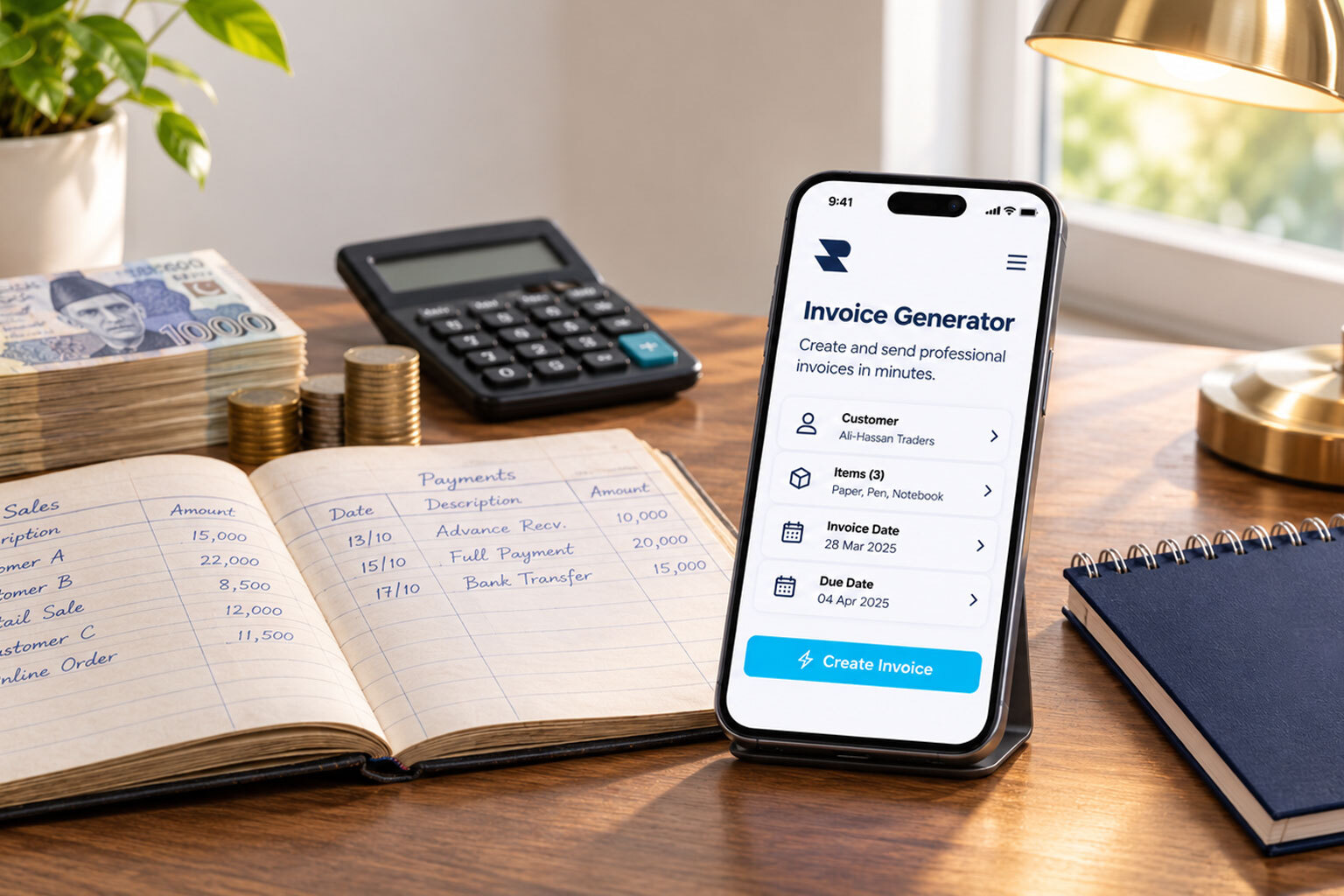
- Invoices and receipts
- Payment records
- Business financial activity
- Profit and loss information
This helps merchants bring important financial records together and gain a clearer view of their business.
Get Started with Rupin
A QR code makes collecting money easier. Connected business management tools help you understand what happens to that money afterwards.
With Rupin, you can request a free physical QR code at your own business location, explore digital payment collection, and manage more of your daily business finances through one app.
Download the Rupin app and get started.
Get a free physical Rupin QR code, available for all types of merchants, whether you run a kiryana store, retail shop, restaurant, or any other business.
Sign up with Rupin today and click here to contact our customer support team or get in touch with a Rupin representative to receive your free QR code at your business location and start accepting digital payments.
Rupin. Your money. Your books. Your whole business in one place.
Frequently Asked Questions About QR Code Payments in Pakistan
1. How can a business accept QR payments in Pakistan?
Register with a bank or payment provider that supports merchant QR acceptance, complete the required verification, and obtain a merchant QR code. Display it at your business so customers can scan and pay through compatible banking applications or wallets.
2. How can a shopkeeper get a QR code for a shop?
Shopkeepers can register with participating banks, electronic money institutions, and payment service providers. Pakistani merchants can also contact Rupin customer support or request a Rupin representative to provide a free physical QR code at their shop.
3. Can one QR code accept payments from different banks?
A standardized interoperable merchant QR code can support payments through participating financial institutions and compatible applications. Compatibility depends on the relevant payment scheme and application support.
4. What is Raast QR payment in Pakistan?
Raast QR payment is connected with Pakistan's instant payment system. Its Person to Merchant service allows businesses to accept payments through standardized merchant QR codes and other supported payment methods.
5. What is the difference between Raast P2P and Raast P2M?
Raast P2P supports transfers between individuals, such as sending money to a friend. Raast P2M supports payments from customers to merchants, such as paying for groceries or restaurant bills.
6. What is the difference between static and dynamic QR codes?
A static QR code is reused for multiple payments, with customers generally entering the amount themselves. A dynamic QR code is generated for an individual transaction and can include the amount and other payment information.
7. Do businesses need a POS machine to accept QR payments?
No. Businesses can accept QR payments without a traditional card POS machine when their provider supports merchant QR acceptance. They can display a printed code or digital payment code for customers to scan.
8. Are QR code payments free for businesses in Pakistan?
It depends on the provider and merchant agreement. Some providers offer free QR issuance or low cost onboarding, while others may charge an MDR or additional service fees. Confirm the complete fee structure before registering.
9. How long does QR payment settlement take?
Raast is designed to support instant payments, but fund availability and settlement arrangements can depend on the payment provider and transaction setup. Merchants should confirm the applicable terms with their provider.
10. How can merchants verify that a QR payment has been received?
Check your official banking application, merchant interface, or transaction history for a successful payment confirmation. Verify the transaction amount and status instead of relying on a customer's screenshot.
11. Can freelancers and home based businesses accept QR payments?
Yes. Freelancers, tutors, home based sellers, and service providers can explore merchant QR arrangements through supported providers. Eligibility and documentation depend on the payment service.
12. Is the government QR payment subsidy still available in Pakistan?
The Rs. 3.5 billion subsidy announced for eligible Raast P2M QR transactions covered September 1, 2025, to June 30, 2026. That period has ended. Contact your provider to check whether new incentives have been introduced.
13. Can QR payments be used as an alternative to Cash on Delivery?
Yes. Businesses can use supported QR payment arrangements to collect money at the delivery location. The merchant should verify successful payment before completing the delivery.
14. How can a merchant get a free Rupin QR code?
Pakistani merchants can contact Rupin customer support or request assistance from a Rupin representative. The representative can provide the free physical QR code at the merchant's own shop or kiryana store.