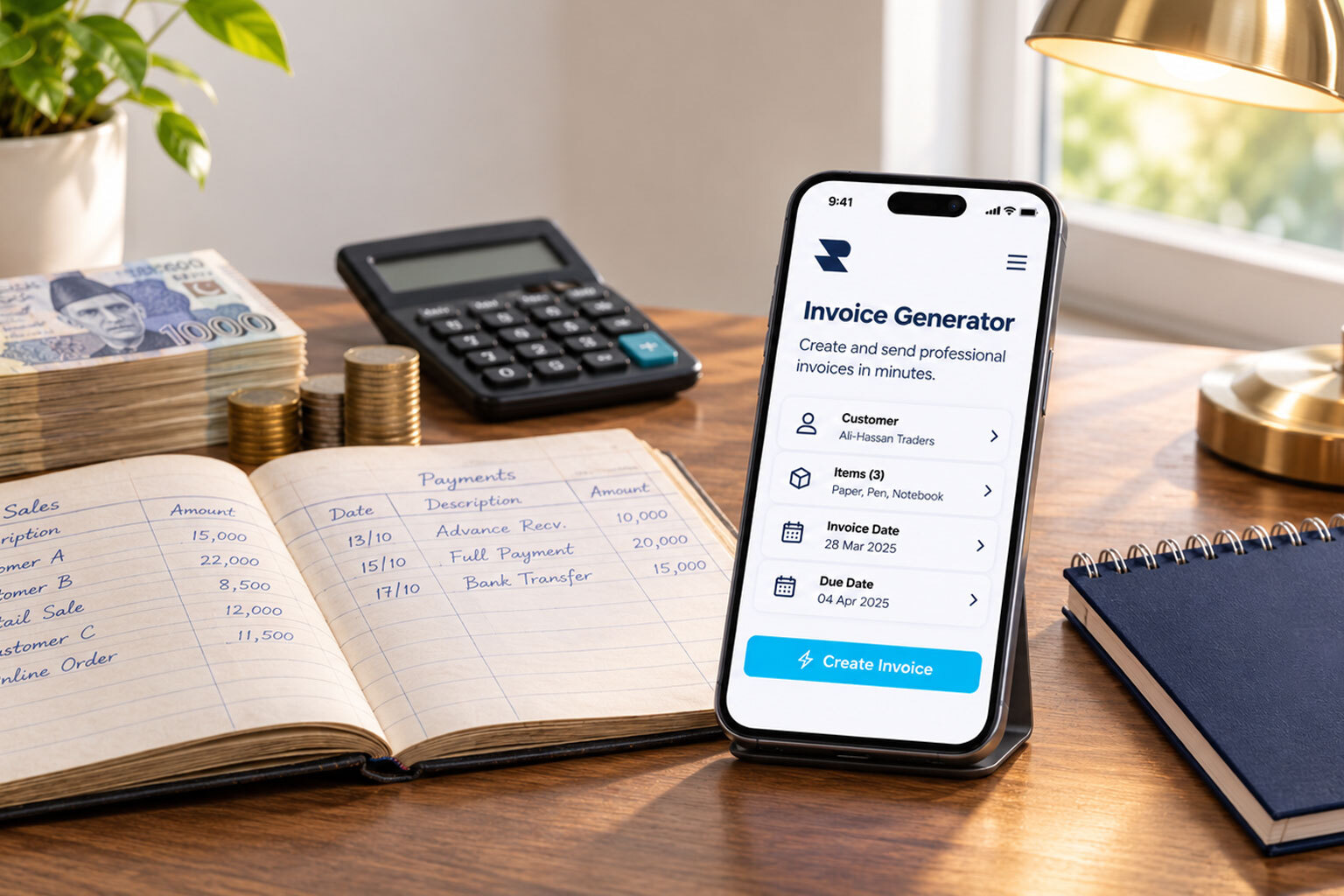
Getting paid should be one of the simplest parts of running a business. Yet freelancers, retailers, wholesalers, and small business owners often spend valuable time preparing invoices, checking calculations, organizing customer details, and following up on pending payments.
An online invoice generator simplifies billing by turning transaction details into professional invoices without requiring businesses to create every document from scratch. It helps organize products, services, prices, taxes, discounts, and payment terms into a clear billing document.
But invoicing is about more than requesting payment. Every invoice records a transaction, establishes what a customer owes, and contributes to business accounting, bookkeeping, and cash flow management.
Whether you need a free invoice generator for occasional billing or comprehensive invoicing software for regular transactions, choosing the right solution can save time and improve financial organization.
What Is an Invoice Generator?
An invoice generator is a digital tool that helps businesses create professional invoices for products or services. It provides structured fields for business information, customer details, product descriptions, quantities, prices, taxes, discounts, and payment terms.
Depending on the platform, an online invoice generator may allow users to:
- Add business information and a company logo.
- Enter customer and billing details.
- Add products or services with quantities and prices.
- Calculate subtotals, discounts, and applicable taxes.
- Assign invoice numbers and issue dates.
- Specify payment terms and due dates.
- Generate invoices for printing or digital sharing.
- Download invoices in PDF format.
- Maintain invoice records and review previous transactions.
An invoice generator may also be called an invoice maker, invoice creator, or invoice builder. These terms generally describe tools that simplify invoice preparation.
Invoice Generator vs. Invoice Template vs. Invoicing Software
Although these terms are sometimes used interchangeably, they serve different purposes.
An invoice template provides the layout but may require manual calculations and record-keeping. An online invoice generator simplifies document creation, while comprehensive invoicing software can connect billing with customer records, payments, and financial reports.
Why Manual Invoicing Costs More Than It Seems
A business can make plenty of sales and still experience cash flow problems if customers do not pay on time.
Money owed by customers for products or services already supplied is known as accounts receivable. Manual invoicing can make it harder to manage these amounts because:
- Preparing invoices manually delays billing.
- Incorrect calculations can lead to disputes and revised documents.
- Missing or duplicate invoice numbers complicate record keeping.
- Unclear payment terms create confusion about deadlines.
- Scattered customer records make payment follow-ups difficult.
- Unrecorded partial payments create inaccurate customer balances.
An online invoice maker helps standardize billing and reduce repetitive administrative work.
Key Benefits of Using an Online Invoice Generator
1. Saves time: Structured fields and ready-made layouts reduce the time spent entering details and formatting documents.
2. Creates a professional impression: Consistent branding, clear descriptions, and organized payment information make invoices easier for customers to understand.
3. Reduces calculation errors: Automatic calculations, where supported, simplify the calculation of quantities, prices, subtotals, discounts, and taxes. Businesses should still verify the information and applicable tax treatment.
4. Establishes payment expectations: Clear payment terms, due dates, and accepted payment methods tell customers how much they owe and when payment is expected.
5. Improves record keeping: Organized invoices provide useful references for reviewing sales, customer transactions, and outstanding payments.
6. Supports business growth: A consistent invoicing process helps businesses manage increasing transaction volumes without allowing administrative work to grow at the same pace.
What Should Be Included in a Professional Invoice?
A professional invoice should contain all the information customers need to understand a transaction and complete payment.
Depending on the business and applicable regulations, invoices may also require a purchase order number, NTN, STRN, or other tax identification details.
Invoice Numbering, Dates, and Itemized Descriptions
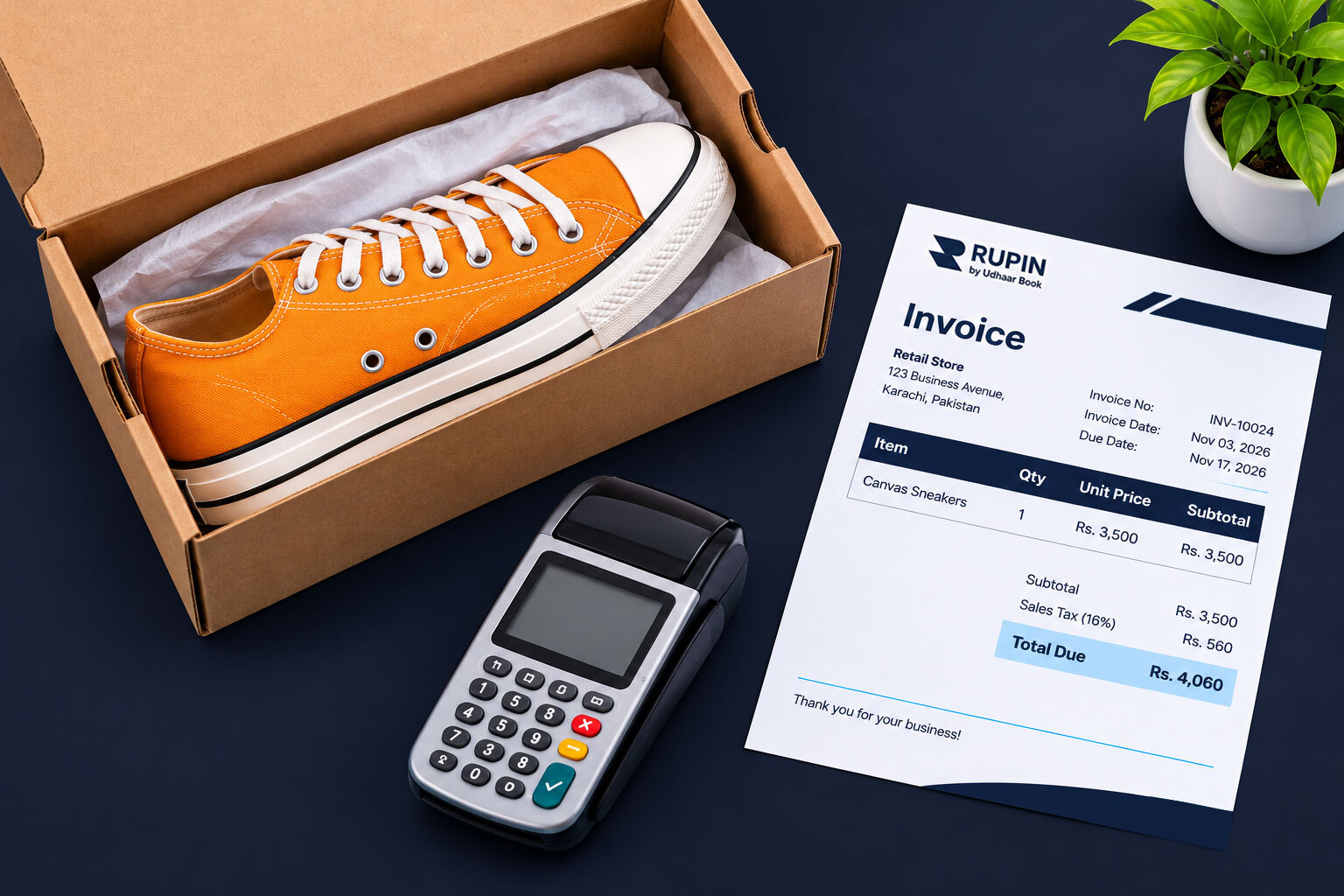
Every invoice should have a unique reference number. A consistent sequence such as INV2026001, INV2026002, and INV2026003 makes documents easier to identify and retrieve.
The invoice date records when the document was issued, while the due date establishes when payment is expected. For example, an invoice issued on November 2 with a 15-day payment period would have a due date of November 17.
Businesses should also itemize products and services rather than showing only one combined amount. Each line should identify the description, quantity, and price so customers can verify what they purchased.
Subtotal, Discounts, Tax, and Total Amount
A professional invoice should distinguish between the subtotal and the final amount payable.
This is an illustrative calculation. Actual tax rates and treatment depend on the product or service, business registration status, and applicable regulations.
Payment Terms and Methods
Payment terms explain when and how customers should pay.
Businesses can also include bank account details and supported digital payment options to make payment more convenient.
How to Create an Invoice Online in Five Steps
Creating a professional invoice does not require advanced accounting knowledge. Most invoice generators follow a straightforward process.
Step 1: Choose an Invoice Template
Select a clean, professional layout that accommodates your business logo, customer information, products or services, taxes, and payment terms.
Step 2: Add Business and Customer Details
Enter your business name, address, contact information, and logo. Then add the customer's name, billing address, and other relevant details. For physical deliveries, include a separate delivery address where necessary.
Step 3: Add Products or Services
List each product or service with its description, quantity, and unit price. A service provider might list website development and maintenance separately, while a retailer might itemize individual products.
The invoice generator can calculate subtotals and apply discounts or taxes automatically where supported.
Step 4: Set Payment Terms and Due Dates
Specify the payment deadline and accepted payment methods. Choose terms such as Due on Receipt, Net 15, or Net 30 according to the agreement with your customer.
Step 5: Review, Generate, and Share
Check customer details, descriptions, quantities, prices, discounts, taxes, and payment terms before generating the invoice.
Depending on the tool, you can download the invoice as a PDF, print it, or share it through supported digital channels.
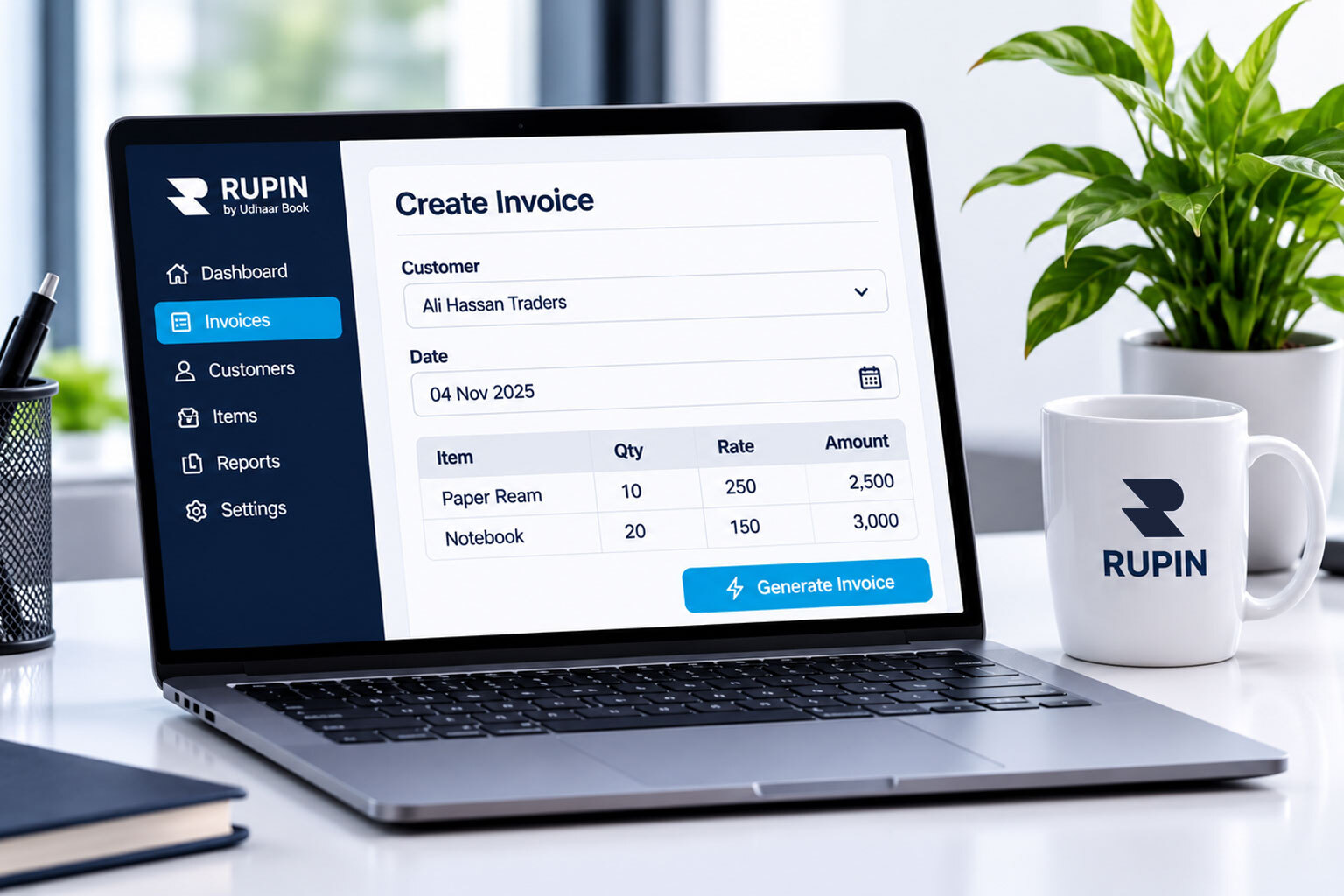
Features to Look for in an Invoice Maker
Not every invoice maker offers the same capabilities. Before choosing one, consider the features that match your business requirements.
Features such as recurring billing, multiple currencies, automated reminders, and detailed reporting are not available in every free invoice generator. Businesses should confirm functionality before choosing a platform.
Who Benefits Most from an Online Invoice Generator?
Almost every business that charges customers for products or services can benefit from an invoice generator. Its value depends on transaction volume and billing requirements.
Freelancers need clear service descriptions, agreed charges, and payment deadlines. Retailers need to document frequent purchases, quantities, discounts, and taxes. Wholesalers benefit from organized bulk order records and customer balances, while contractors and consultants may need to document project stages, labor, materials, and advance payments.
For growing businesses, connecting invoice creation with payment tracking and financial records becomes increasingly valuable.
Different Types of Business Invoices
Different transactions require different invoice formats. Common types include:
A sales invoice documents products sold, while a service invoice records work performed. A tax invoice includes relevant tax information, and a digital invoice is created or maintained electronically.
Freelance and contractor invoices reflect project work, hourly charges, materials, or milestones. Recurring invoices support regular billing, while advance invoices request an agreed payment before delivery or completion. A proforma invoice provides preliminary transaction details, and a credit note records an adjustment to an earlier invoice.
The correct document depends on the transaction and applicable accounting requirements.
Invoice Generator vs. Invoice Template: Which Should a Business Choose?
An invoice template provides a predefined layout, while an invoice generator helps populate that layout and prepare a completed document.
A freelancer preparing two invoices each month may find a free invoice template sufficient. A retailer processing dozens of transactions daily may benefit more from an online invoice generator or comprehensive business management software.
The right choice depends on transaction volume, administrative requirements, and the need for additional financial management features.
Free Invoice Generator vs. Paid Invoicing Software
A free invoice generator can be sufficient for businesses with simple billing requirements. Paid invoicing software may offer additional capabilities for businesses managing more complex workflows.
For occasional billing, a free invoice generator may be enough. As transaction volumes grow, automated billing, payment reminders, customer management, and financial reporting can become more valuable.
Choose the tool that solves your actual business requirements rather than simply selecting the one with the longest feature list.
Invoices, Bills, Receipts, Quotations, and Purchase Orders: Understanding the Differences
Businesses use several financial documents throughout the sales process. Although they may contain similar information, each serves a different purpose.
A quotation proposes a price, an invoice requests payment, and a receipt confirms payment.
For example, a furniture retailer may first provide a quotation for a dining table. Once the customer confirms the order, the retailer issues an invoice showing the amount payable. After receiving payment, the retailer provides a receipt.
A purchase order records the buyer's request, while a credit note documents an adjustment to an earlier invoice.
Handling Taxes on Invoices: GST, VAT, and Sales Tax
Tax requirements depend on the country, transaction type, business registration status, and applicable regulations. An invoice generator should support the tax fields required for the business's transactions.
1. GST invoices: In countries such as India, a GST invoice may require supplier GSTIN, buyer details where applicable, HSN or SAC codes, taxable value, tax rate, and tax amount. The treatment of Central GST, State GST, and Integrated GST depends on the transaction.
2. VAT invoices: In the United Kingdom and countries across the European Union, VAT invoices generally include supplier registration details, applicable VAT rates, tax amounts, and transaction information. Exact requirements differ by jurisdiction.
3. Sales tax invoices in the United States: Sales tax requirements vary by state and local jurisdiction. Invoices may need to identify the applicable tax rate and amount separately from the subtotal.
4. GST and sales tax invoices in Pakistan: Depending on the business and transaction, relevant information may include the business name, NTN, STRN where applicable, product or service descriptions, taxable value, applicable sales tax rate, tax amount, and final invoice total.
FBR and Electronic Invoicing Requirements
The Federal Board of Revenue administers Pakistan's federal tax system and has introduced electronic invoicing requirements for specified categories of businesses.
Businesses should determine whether they fall within the applicable requirements and whether their invoicing process needs integration with the relevant FBR systems.
A regular invoice PDF or electronically generated document is not automatically an FBR-integrated electronic invoice. Businesses should verify current requirements through the relevant tax authority or a qualified tax professional.
Invoice Generation in Pakistan: What Local Businesses Should Consider
An invoice generator in Pakistan should support the practical requirements of local businesses, not simply provide an attractive document layout.
Important considerations include:
1. PKR and local currency: Invoices issued to Pakistani customers commonly use Pakistani rupees. Prices, discounts, taxes, and the final amount payable should clearly identify the currency. Businesses serving international customers may also need foreign currency support.
2. NTN and STRN details: Businesses registered for relevant tax purposes may need to include their National Tax Number and Sales Tax Registration Number. Requirements depend on registration status and applicable regulations.
3. Digital payment options: Pakistani businesses may accept bank transfers through IBFT, Easypaisa, JazzCash, Raast, QR code payments, and other supported digital payment channels. Clear payment instructions help customers complete transactions.
4. Urdu invoice formats: Some businesses may prefer Urdu invoices when serving customers who are more comfortable communicating in Urdu. The invoice should be easy for the intended customer to understand.
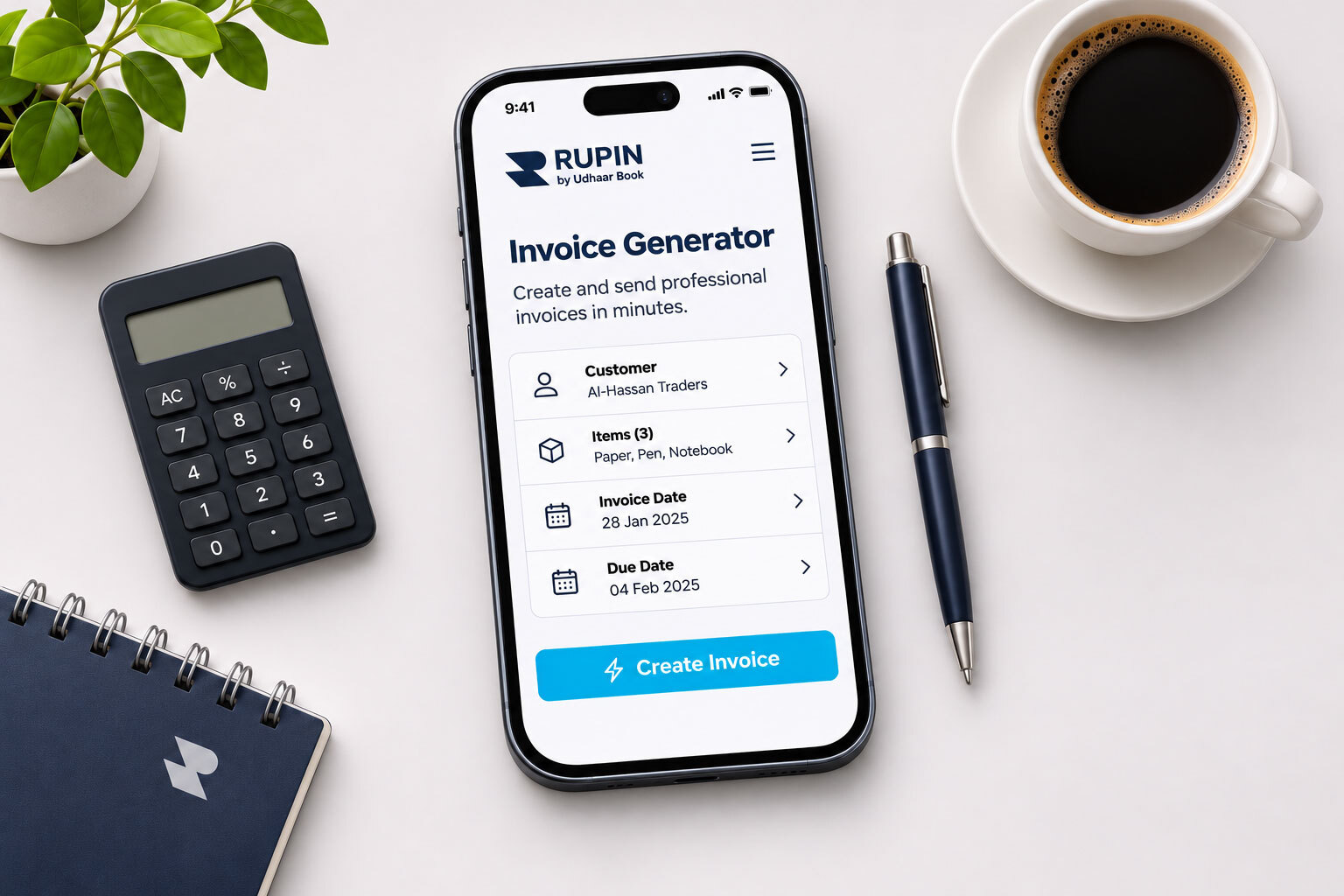
How Invoice Generation Improves Business Accounting and Payment Tracking
Creating an invoice establishes what a customer owes. Businesses must also record payments, monitor outstanding amounts, and maintain accurate financial records.
This connects invoicing with bookkeeping, accounting, and accounts receivable management.
1. Invoice management: Organizing invoices and transaction details makes completed sales and pending payments easier to review.
2. Payment tracking: Incoming payments should be matched with the relevant customer transactions. For example, if a wholesaler supplies products worth PKR 50,000 and receives PKR 30,000 initially, the remaining PKR 20,000 should be recorded accurately.
3. Outstanding and overdue invoices: An outstanding invoice has an unpaid balance. An overdue invoice is an outstanding amount whose payment deadline has passed. Businesses should review pending invoices and follow up when necessary.
4. Payment reminders: Timely reminders help customers identify the original transaction, understand the amount due, and settle outstanding payments.
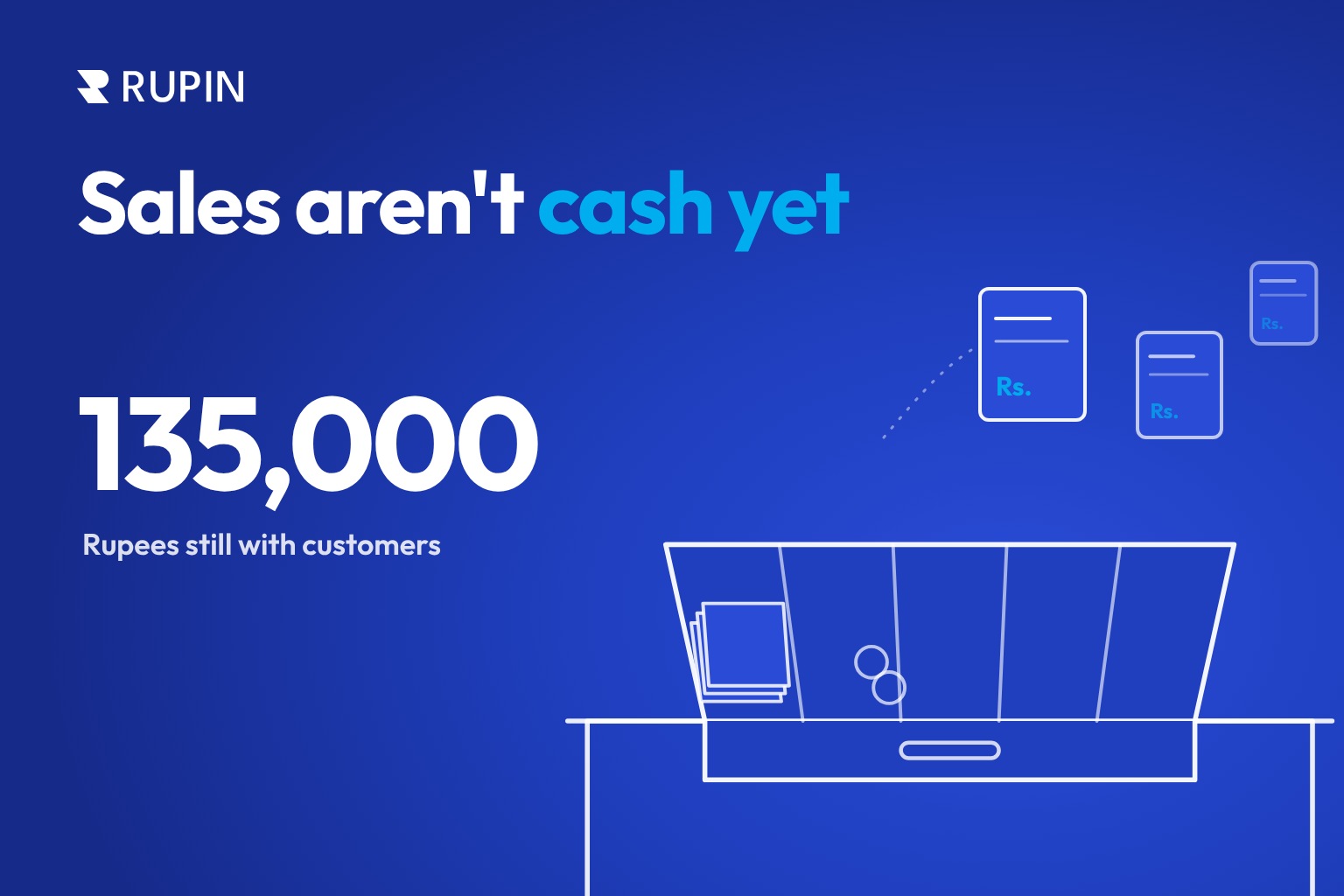
5. Accounts receivable management: Businesses need to record customer balances, monitor incoming payments, identify overdue amounts, and maintain accurate customer records. This helps them understand the difference between revenue earned and money actually collected.
6. Bookkeeping and business records: Consistently recording sales, expenses, customer balances, and payments gives business owners a clearer picture of their financial position. Digital bookkeeping also reduces dependence on scattered documents, spreadsheets, and handwritten notes.
Common Invoice Creation Mistakes Businesses Should Avoid
Even a professionally designed invoice can create problems if its information is incomplete or inaccurate.
- Missing invoice numbers: Unique reference numbers make invoices easier to organize and retrieve.
- Incorrect customer details: Review names, addresses, and business information before issuing an invoice.
- Vague descriptions: Itemize products and services so customers can verify what they purchased.
- Incorrect tax calculations: Apply the relevant tax treatment instead of assuming every transaction uses the same rate.
- Missing payment terms: Include a clear payment deadline to establish expectations.
- Unrecorded partial payments: Update customer balances whenever a payment is received.
- Ignoring outstanding invoices: Monitor pending and overdue payments instead of assuming every sale has resulted in collected cash.
- Poor invoice record keeping: Maintain organized digital or physical records to verify transactions, resolve disputes, and review business activity.
How Rupin Helps Businesses Manage Invoices, Payments, and Financial Records
Creating an invoice is only one part of managing customer transactions. Businesses also need to collect payments, update customer balances, record transactions, and organize their financial activities.
Rupin, formerly known as Udhaar Book, brings these activities together in a business management and financial platform designed for Pakistani businesses.
With Rupin, businesses can:
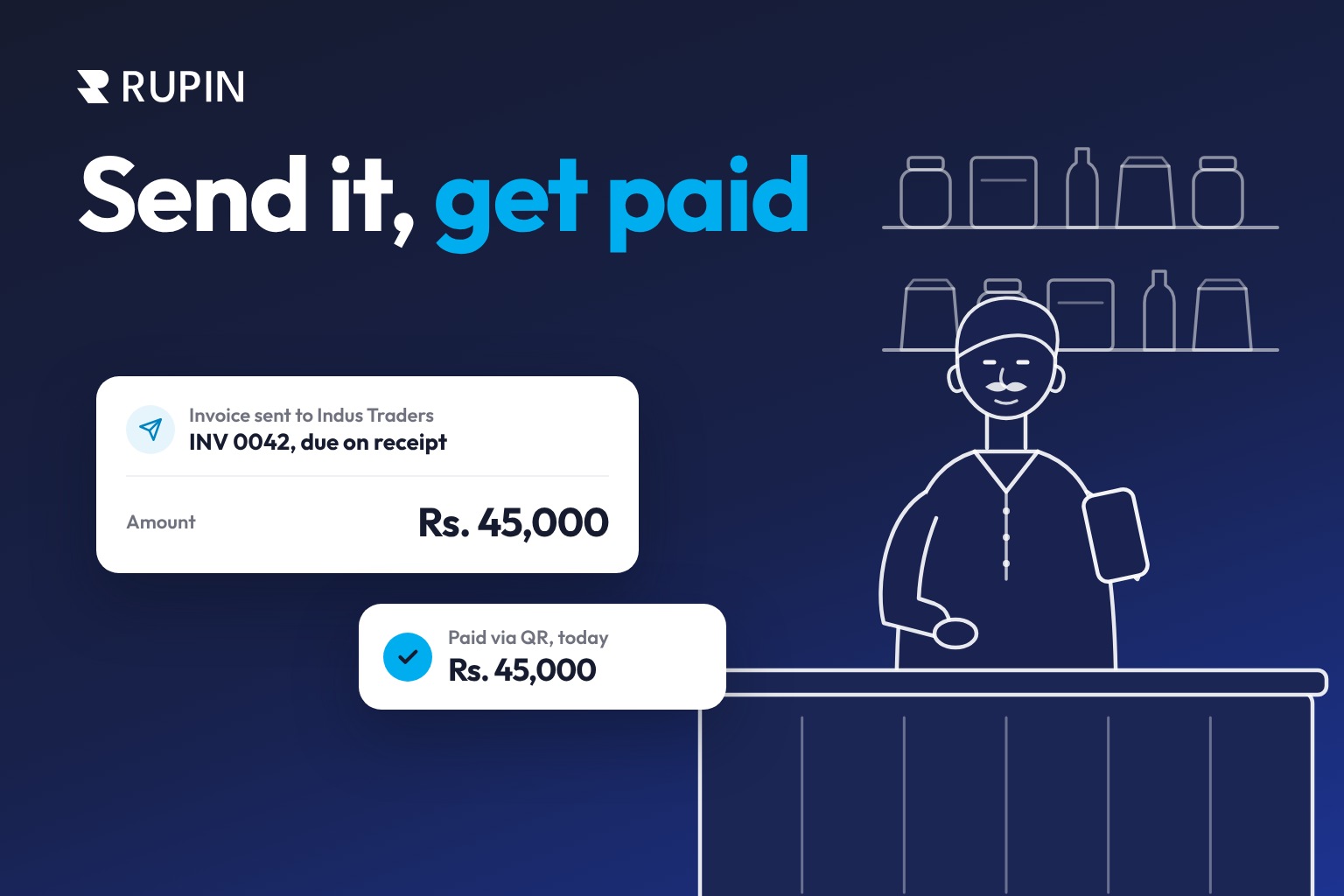
1. Create professional invoices: Add business branding, logos, customer details, products, taxes, and discounts. Rupin supports GST and sales tax invoice creation according to its supported functionality and applicable tax requirements.
2. Share invoices conveniently: Send invoices through WhatsApp, SMS, and email.
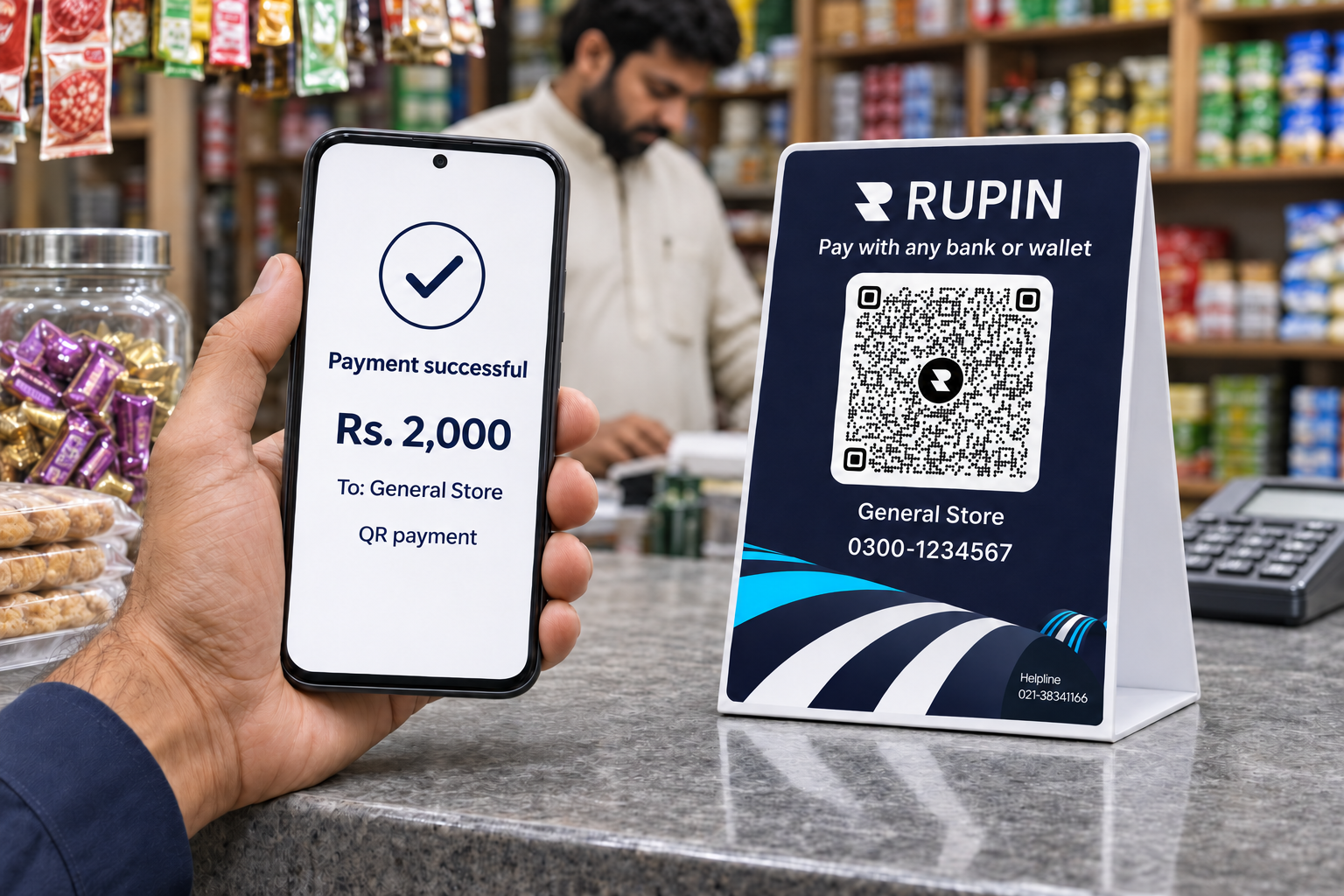
3. Collect digital payments: Use supported options including QR code payments, IBAN-based transfers, Raast, JazzCash, Easypaisa, and IBFT.
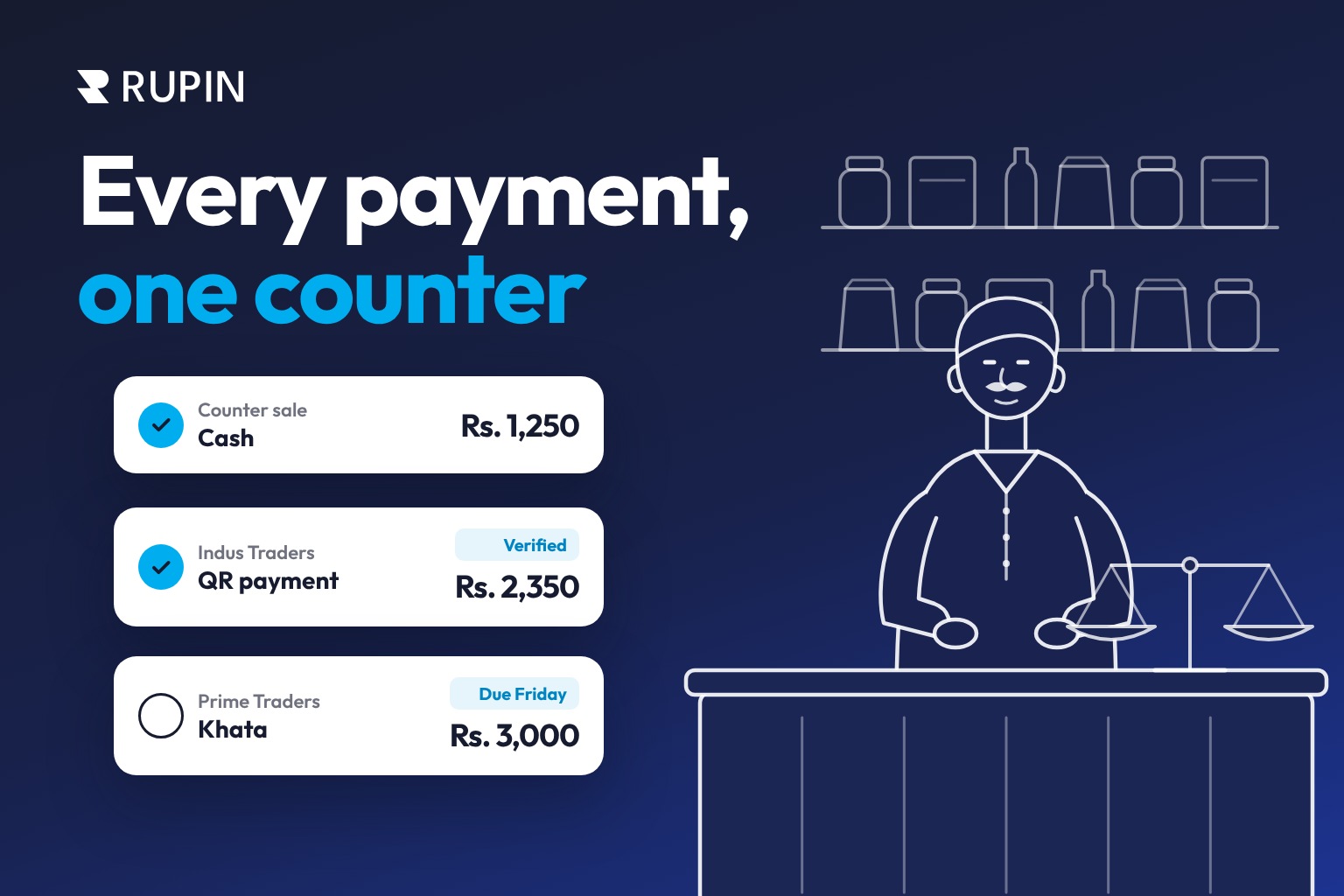
4. Manage customer credit: Use Digital Khata and Credit Ledger to maintain customer transaction records and monitor outstanding balances instead of relying entirely on handwritten registers.
5. Organize financial records: Bring together accounting, bookkeeping, Cash Book, Digital Khata, Credit Ledger, and broader financial management capabilities.
5. Connect sales with business operations: Rupin supports POS sales that update relevant accounting, inventory, and reporting records, connecting everyday sales activities with business financial information.
For retailers, wholesalers, suppliers, service providers, and businesses that regularly handle credit transactions, these capabilities help bring invoicing, payment collection, customer records, and financial management into a more connected workflow.
An invoice tells your customer what they owe. Rupin helps you manage what happens next.
Frequently Asked Questions About Invoice Generators
1. What is an invoice generator?
An invoice generator is a digital tool that creates professional invoices using business details, customer information, products or services, prices, taxes, discounts, and payment terms.
2. How can a business create an invoice online?
Enter business and customer details, add products or services, calculate the total, specify payment terms, and generate the invoice using an online invoice maker.
3. Is there a free invoice generator?
Yes. Many platforms offer free invoice creation, although limits may apply to invoice volume, customization, recurring billing, reminders, and reporting.
4. Can an invoice generator create PDF invoices?
Yes. Many invoice generators allow users to download invoices as PDFs for printing, digital sharing, and record-keeping.
5. What information should a professional invoice include?
Include business and customer details, a unique invoice number, issue and due dates, itemized products or services, quantities, prices, subtotal, discounts, applicable taxes, total amount, and payment terms. NTN, STRN, or other details may also be required.
6. What is the difference between an invoice and a receipt?
An invoice requests payment for products or services. A receipt confirms that payment has been received.
7. What is the difference between an invoice and a bill?
An invoice is a structured document requesting payment and recording transaction details. A bill generally communicates the amount a customer needs to pay. The terms are often used interchangeably.
8. How do small businesses create professional invoices?
Small businesses can use an invoice generator, invoice maker, or editable invoice template. They should include consistent business details, unique invoice numbers, clear descriptions, accurate calculations, and payment terms.
9. How is GST calculated on an invoice in Pakistan?
GST is calculated by applying the relevant rate to the taxable value. For example, an illustrative 18% rate on PKR 10,000 produces PKR 1,800 in tax and a total of PKR 11,800. Actual rates and treatment depend on the transaction and applicable regulations.
10. Can businesses create invoices for products and services?
Yes. Product invoices include descriptions, quantities, and unit prices. Service invoices may include project details, hours worked, service charges, and additional expenses.
11. How can businesses track payments against invoices?
Record incoming payments against their corresponding invoices and update outstanding balances. For example, a PKR 20,000 invoice with a PKR 12,000 payment has a remaining balance of PKR 8,000.
12. What is the difference between outstanding and overdue invoices?
An outstanding invoice has an unpaid balance. An overdue invoice is an outstanding invoice whose agreed payment deadline has passed.
13. What is an invoice template?
An invoice template is a reusable document layout containing fields for business details, customer information, products or services, prices, taxes, and payment terms.
14. What is the difference between an invoice generator and invoicing software?
An invoice generator primarily creates invoices. Comprehensive invoicing software may also support customer management, recurring billing, payment reminders, financial reporting, and accounts receivable tracking.
15. What is an invoice generator in Pakistan?
An invoice generator in Pakistan helps local businesses prepare invoices using PKR prices, customer details, product descriptions, and applicable tax fields. Businesses may also need NTN, STRN, and relevant FBR electronic invoicing support, depending on their obligations.
16. Can an invoice generator help manage accounts receivable?
It can document amounts owed by customers. Managing accounts receivable also requires recording payments, monitoring outstanding balances, identifying overdue amounts, and following up with customers.
17. How can businesses send invoices to customers?
Businesses can share invoices through email, messaging applications such as WhatsApp, SMS, or printed documents, depending on the available tools.
18. What is the difference between a digital invoice and an FBR integrated electronic invoice?
A digital invoice is created or maintained electronically. An FBR integrated electronic invoice must meet the relevant integration requirements applicable to the business. Creating a PDF does not automatically make an invoice FBR integrated.
19. Can businesses use digital payment methods to collect invoice payments?
Yes. Supported options may include bank transfers, IBAN transfers, QR code payments, Easypaisa, JazzCash, Raast, and IBFT.
20. What is the difference between a quotation and an invoice?
A quotation provides estimated prices before a transaction is finalized. An invoice requests payment for an actual transaction or agreed payment obligation.
21. Can businesses create recurring invoices?
Some invoice generators and invoicing software support recurring invoices for subscriptions, retainers, maintenance contracts, and other regular services.
22. Can an invoice generator support multiple currencies?
Some tools support currencies such as USD, GBP, and EUR. This is useful for freelancers, exporters, and service providers working with international customers.
23. How can businesses maintain customer payment records?
Record sales, payments received, partial payments, and outstanding balances through accounting software, customer ledgers, or digital bookkeeping applications. Rupin's Digital Khata and Credit Ledger help businesses maintain digital customer transaction records.
24. How does Rupin help businesses manage invoices and payments?
Rupin supports professional invoice creation, sharing through WhatsApp, SMS, and email, digital payment collection, Digital Khata, Credit Ledger, accounting, and bookkeeping. It helps Pakistani businesses manage more of their everyday financial activities through one platform.
Make Every Business Transaction Easier to Manage With Rupin
Creating an invoice is only one step in running an organized business. Payments need to be collected, customer balances updated, and transactions recorded accurately.
Rupin brings invoice creation, digital payment collection, Digital Khata, accounting, bookkeeping, and business financial management together in one platform built for Pakistani businesses.
Whether you run a retail shop, supply products to other businesses, provide professional services, or manage customer credit, Rupin helps simplify everyday financial activities.
An invoice tells customers what they owe. Rupin helps you take control of what happens next.
Download Rupin today and make business payments, customer records, invoicing, and financial management easier to handle.