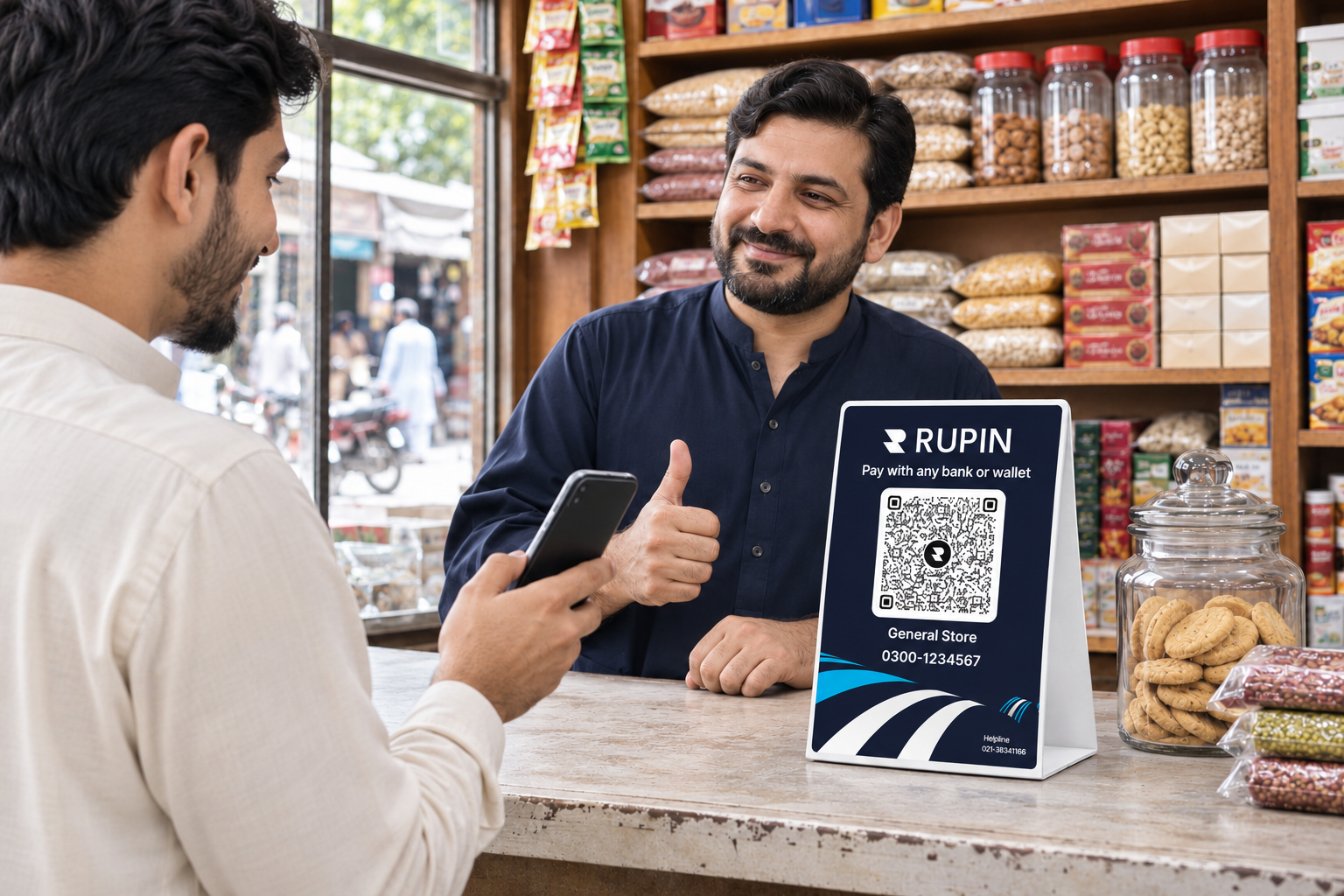
Imagine a customer walks into your kiryana store, picks up a few groceries, and reaches the counter ready to pay. They have their phone, but you only accept cash. Another customer prefers JazzCash, while someone else wants to pay through their bank's mobile app.
You could be missing convenient payment opportunities simply because customers do not have cash.
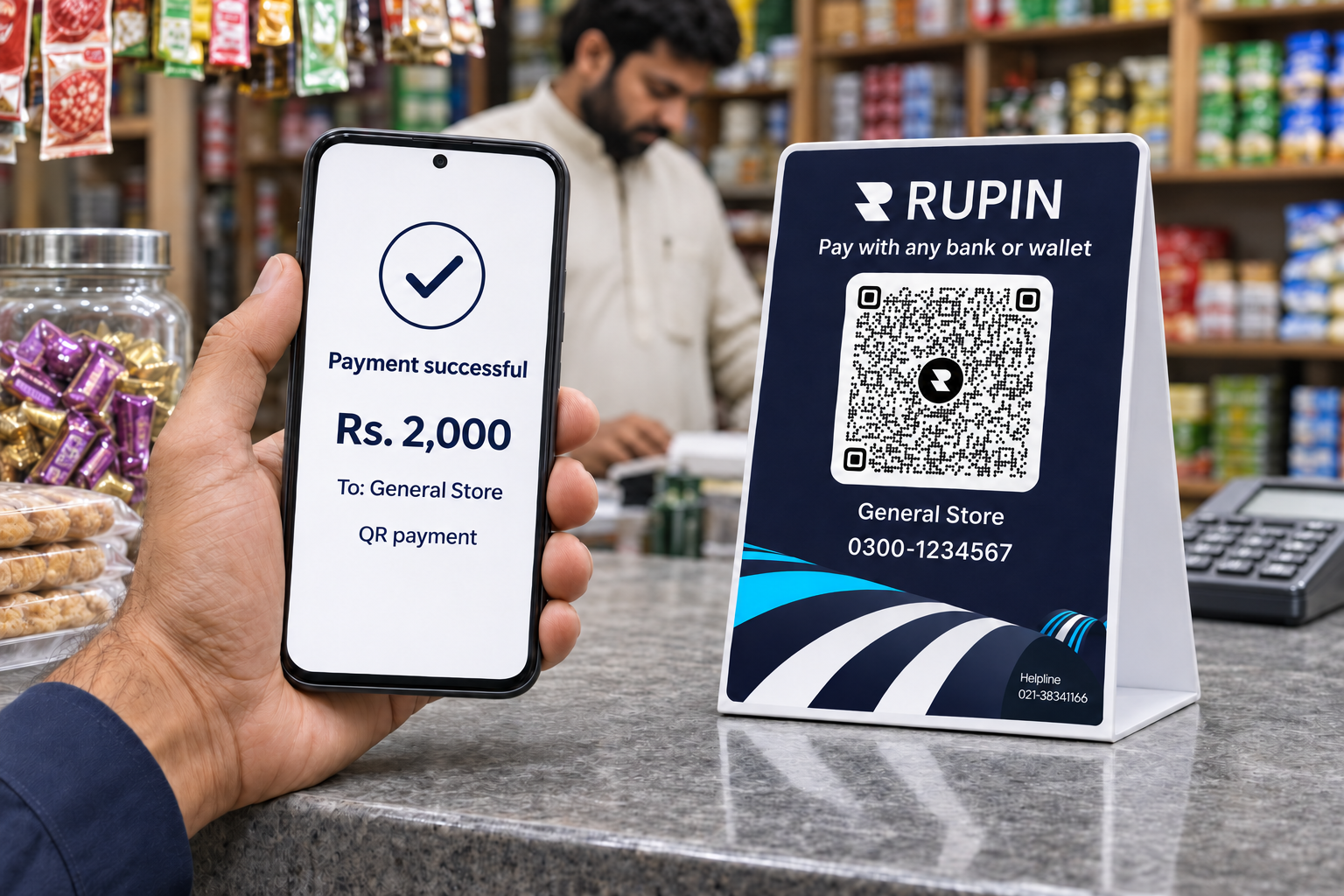
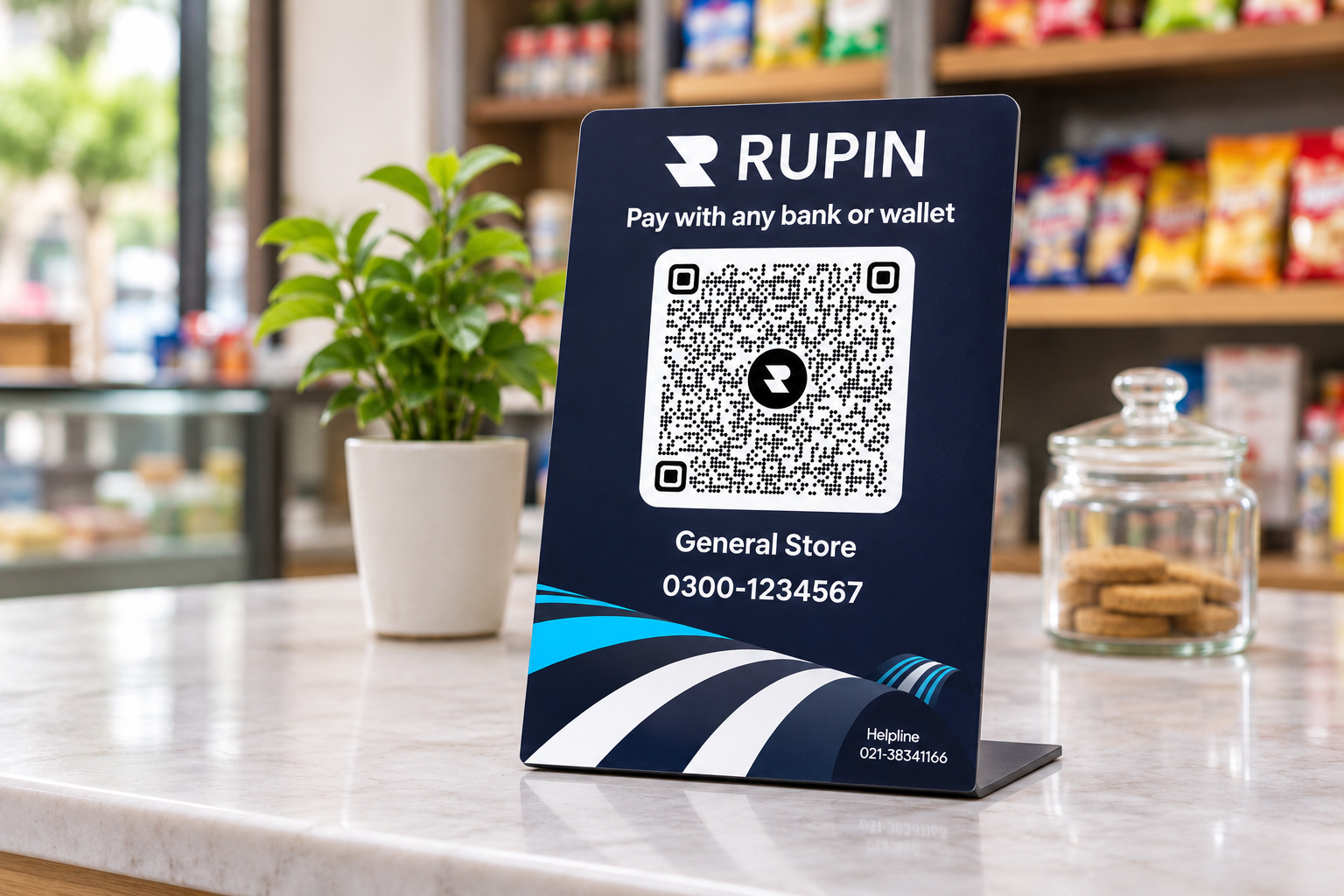
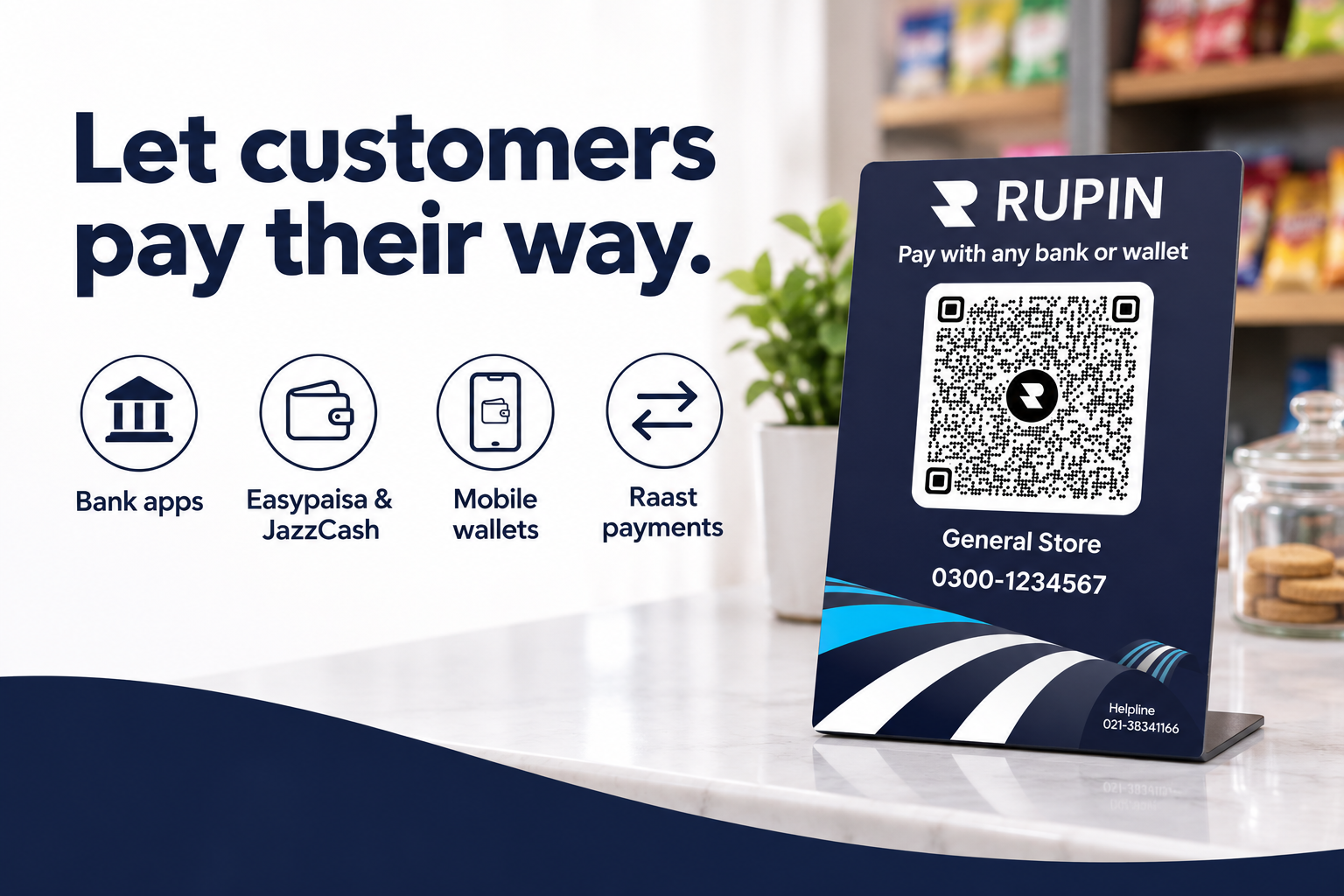
Rupin helps eligible Pakistani merchants get a free physical business QR code, provided directly at their shop or kiryana store by a Rupin representative. Sign up for Rupin, complete the required onboarding process, and get a QR code you can display at your checkout counter.
You do not have to generate or print the QR code yourself. A Rupin representative will provide it at your business location. You can also contact Rupin customer support to ask about getting your free QR code.
Whether you run a kiryana store, grocery shop, pharmacy, clothing outlet, restaurant, salon, or another small business, a business QR code gives customers another way to pay.
This guide explains how business QR payments work in Pakistan, how Raast supports merchant payments, which banking apps and wallets can scan compatible QR codes, and how to get your free physical business QR code through Rupin.
Get Your Free Physical Business QR Code with Rupin
If you have a business or own a shop, you can get a free physical business QR code through Rupin, subject to the required signup and onboarding process.
Unlike an offer that only provides a digital QR image, Rupin's offer is designed to bring the physical QR code directly to your business. A Rupin representative will provide it at your shop so you can display it near your checkout counter.
You can also reach out to Rupin customer support for guidance on signup, onboarding, and requesting your QR code.
What you get:
- A free physical business QR code: A code you can display at your shop or kiryana store.
- Direct provision at your business: A Rupin representative provides the physical QR code at your location.
- Customer support assistance: Get guidance on how to request your QR code.
- Another way to accept payments: Let customers pay through supported banking apps and digital wallets.
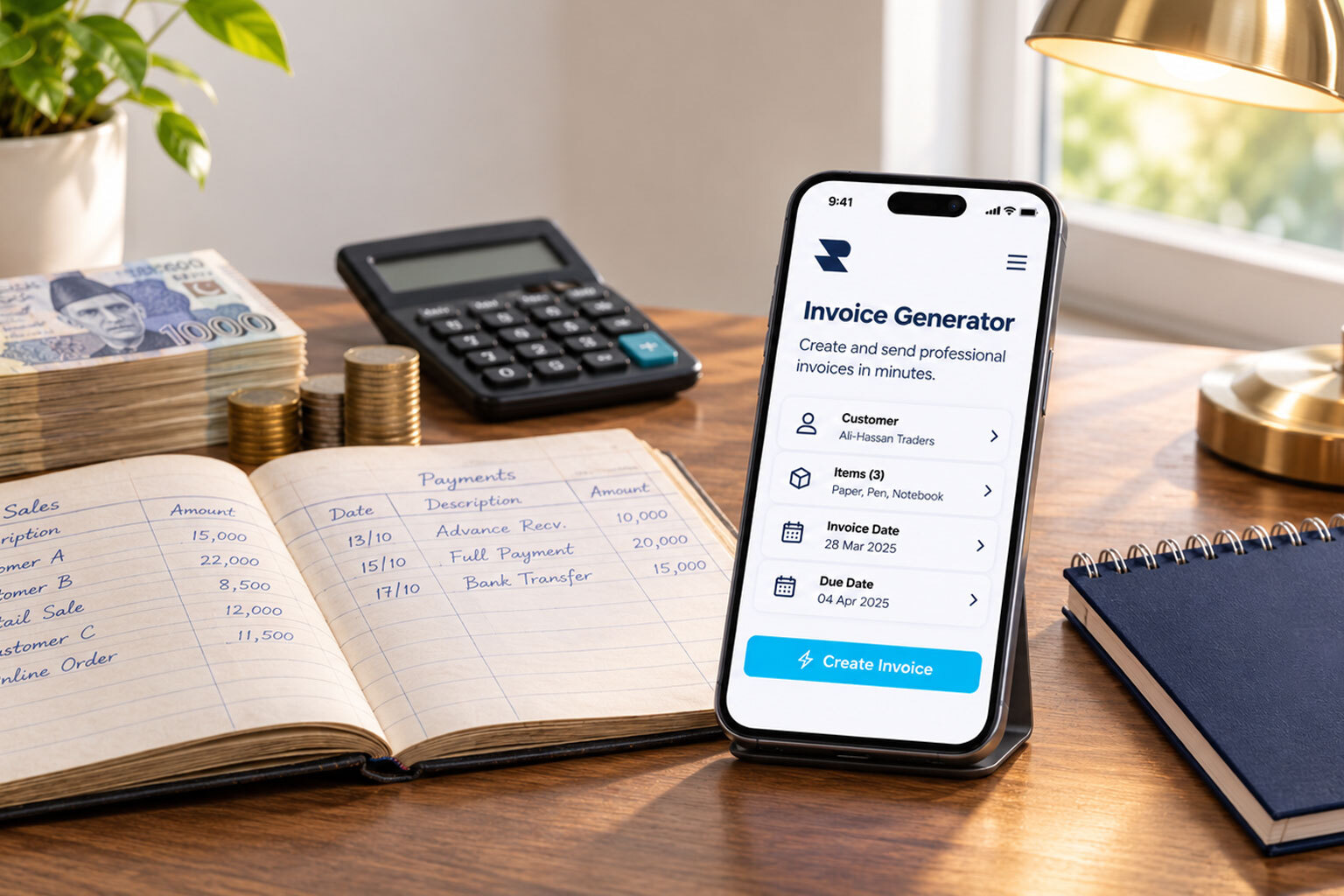
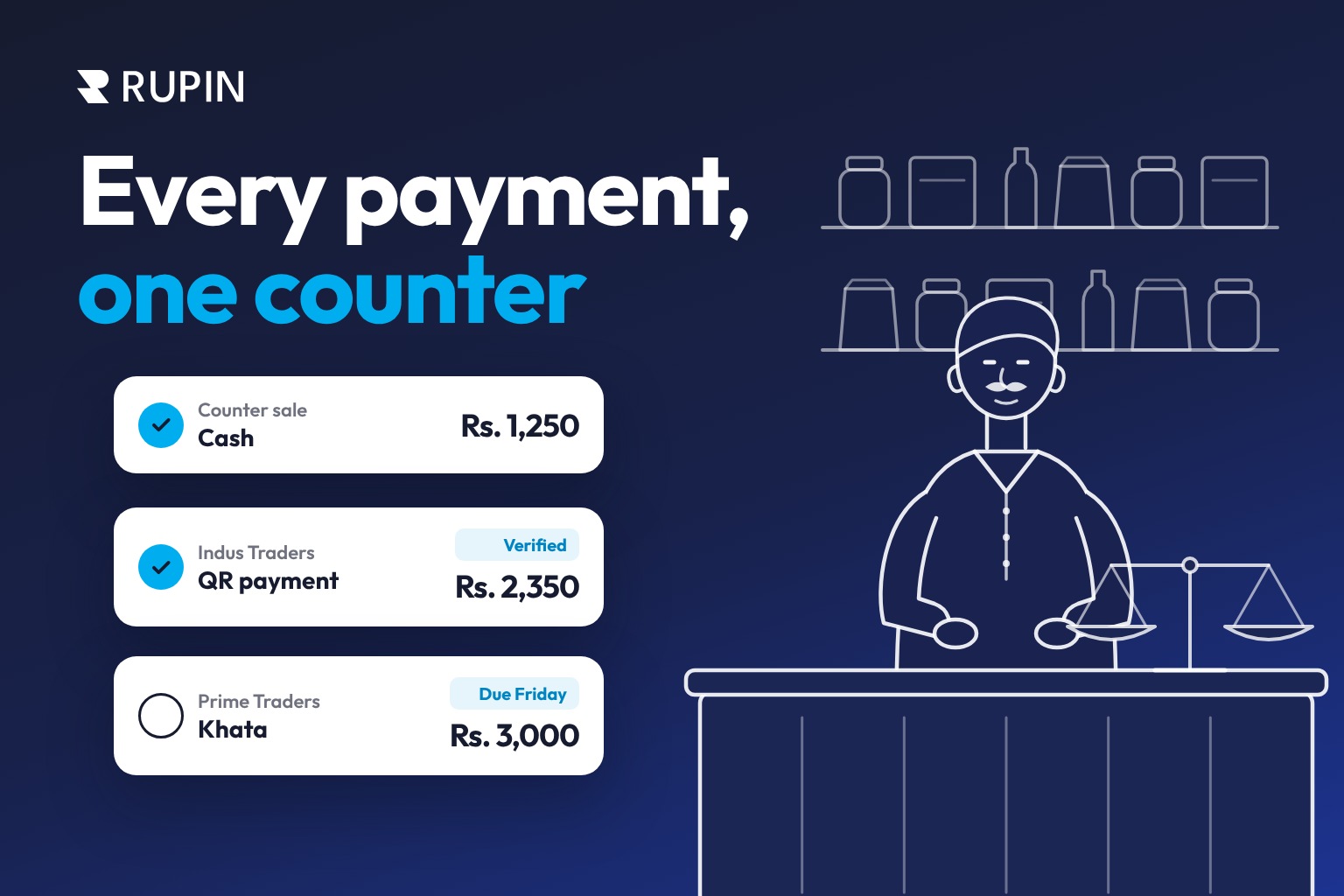
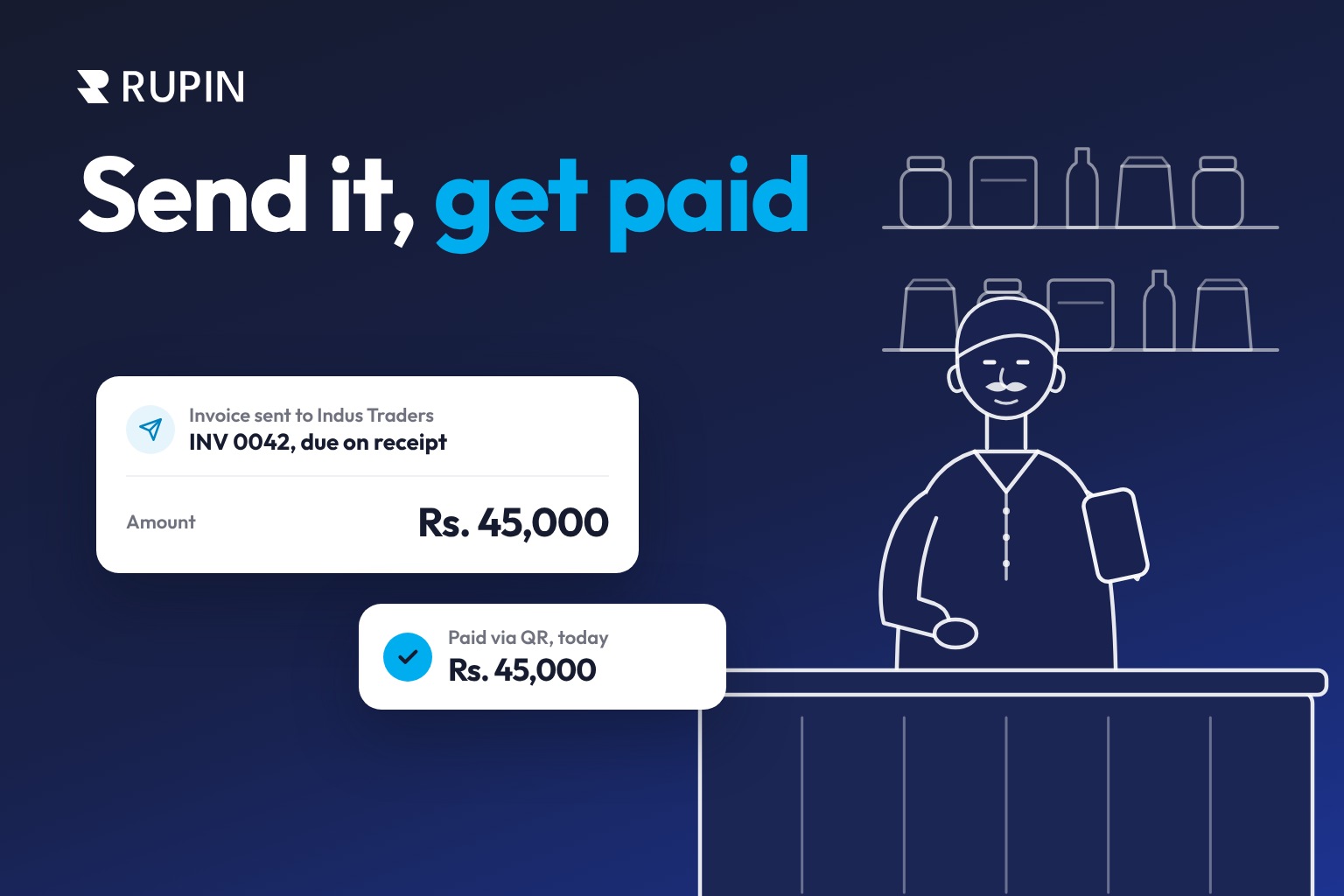
- Business management tools: Explore Rupin features for digital khata, sales, expenses, invoices, and business records.
Why Pakistani Businesses Are Moving Beyond Cash
Cash remains an important payment method across Pakistan. However, relying entirely on cash can make everyday transactions less convenient.
A customer may not have the exact amount. A shopkeeper may not have enough change. Others may prefer paying through a mobile wallet or banking app.
Digital payment options help businesses accommodate these customers without abandoning cash.
Pakistan's payment infrastructure is also evolving. The State Bank of Pakistan has introduced a standardized QR payment framework and Raast Person to Merchant services to support digital payment acceptance.
According to the State Bank of Pakistan's retail payment review for October to December 2025, the country had approximately 1.9 million QR-enabled stores. During the same quarter, 59.5 million Raast P2M QR transactions worth Rs. 287 billion were recorded.
For small businesses, the takeaway is simple: accepting digital payments gives customers more flexibility at checkout. A physical business QR code through Rupin can help eligible merchants introduce this option at their shops.
What Is a Business QR Code?
A business QR code is a scannable code containing payment information associated with a merchant. Customers scan it using a compatible banking app or digital wallet to initiate a payment.
Instead of manually entering account details or asking the shopkeeper where to send money, customers can scan the code and follow the payment instructions in their application.
A typical payment involves these steps:
- The customer opens a supported banking app or digital wallet.
- They select the QR scanning option.
- They scan the business QR code.
- They check the payment details and enter or confirm the amount, as required.
- They authorize the payment.
- The merchant verifies the incoming payment through the relevant account or application.
A physical business QR code can remain displayed at the counter, making it easier for customers to find the payment option whenever they shop.
How Raast Makes QR Payments Easier in Pakistan
Raast is Pakistan's instant payment system introduced by the State Bank of Pakistan. It supports interoperable digital payments, including merchant payments through QR codes.
What is the benefit of standardized QR payments?
Businesses have traditionally used QR codes associated with individual payment providers. A shop might display separate codes for different wallets, which can create confusion for customers and shopkeepers.
The standardized QR framework aims to improve interoperability. Compatible payment applications can scan standardized QR codes and process payments across participating institutions.
Raast P2M supports merchant payment acceptance, allowing businesses to offer customers a digital payment option through participating banking apps and wallets.
The exact experience depends on the payment application and the merchant's payment setup.
P2P vs P2M QR Codes: What Should Businesses Use?
Not every QR code is designed for business payments. Two important categories are Person to Person and Person to Merchant.
A P2P QR code is generally used by individuals to receive money into their accounts.
A P2M QR code is intended for businesses that want to accept payments from customers. For a kiryana store, grocery shop, restaurant, pharmacy, or retail outlet, a merchant QR code is the relevant option.
Which Banks and Wallets Can Scan a Raast QR Code?
Customers do not necessarily need to use the same bank or wallet as the merchant. They can use a participating application that supports the relevant Raast QR payment functionality.
Examples of institutions and services include:
- Mobile wallets: Easypaisa and JazzCash.
- Digital payment institutions: NayaPay and SadaPay.
- Banks: HBL, Meezan Bank, UBL, Bank Alfalah, Allied Bank, and other participating banks.
The exact scanning experience and available payment options can differ between applications. Compatibility depends on whether the institution supports the relevant merchant QR payment service.
For shopkeepers, the benefit is that customers can use supported payment applications without the business having to maintain a separate QR code for every provider.
A simple instruction beside your QR display can help customers understand how to pay:
Scan and pay using your supported bank or wallet app.
Static vs Dynamic QR Codes: Which One Does a Business Need?
Business QR codes generally fall into two categories: static and dynamic.
Static QR codes
A static QR code contains fixed payment destination information. The same code can be displayed at a shop counter and reused by different customers.
Depending on the payment setup, customers scan the code and enter the amount they want to pay. This makes static QR codes practical for businesses that need a permanent payment display.
Dynamic QR codes
A dynamic QR code can include transaction-specific information, such as a payment amount or reference. It can be useful when a business wants to collect an exact amount against an invoice, order, or payment request.
Which is better for a shop?
A reusable physical QR code displayed at a shop counter is generally suited to everyday retail payments. Dynamic QR codes can be useful for individual orders and invoices.
The appropriate option depends on the payment service and merchant setup. Contact Rupin customer support if you want to understand the configuration available with your business QR code.
Cash vs POS Machine vs QR Code: Which Payment Method Is Better?
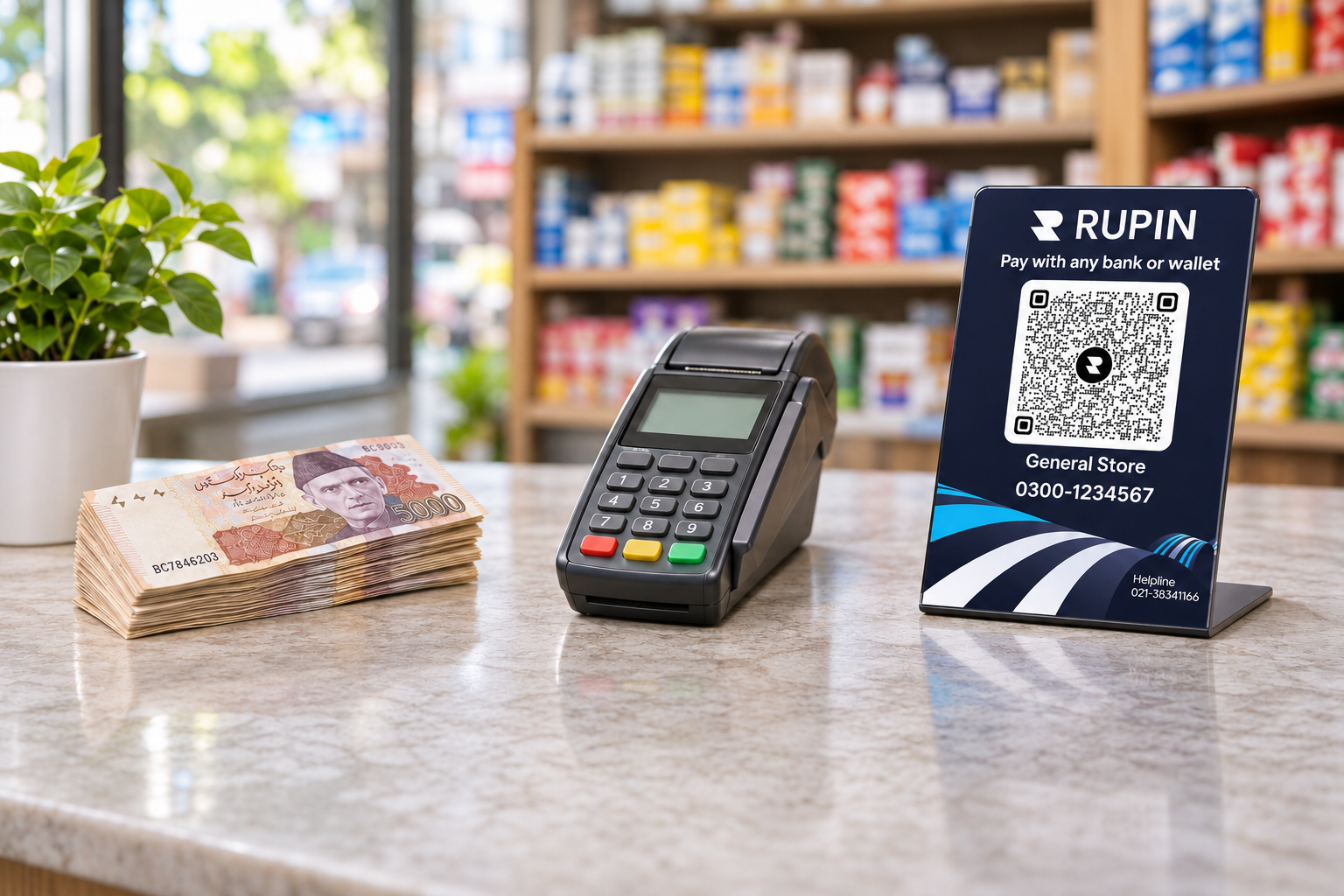
Cash, card POS machines, and QR codes serve different payment needs. Businesses can choose the options that suit their customers and operations.
A QR code does not make cash or card payments unnecessary. It gives customers another way to pay.
For smaller shops, a physical QR code can be a convenient way to accept digital payments without requiring a traditional card POS terminal.
Benefits of Getting a Free Business QR Code
A QR code is a small addition to your shop, but it can improve the payment experience in several ways.
1. Give customers another way to pay
Some customers prefer using mobile banking or digital wallets instead of cash. A business QR code gives them another payment option when shopping at your store.
2. Reduce the need to arrange change
Customers paying with larger currency notes can create delays when a shop does not have enough change. QR payments provide an alternative for customers who prefer digital payments.
3. Accept digital payments without a traditional POS machine
A compatible merchant QR code allows businesses to accept digital payments without a traditional card terminal. Customers scan the physical display using supported applications.
4. Keep electronic payment records
Digital payments generate transaction records through the relevant payment service. These records can help merchants review incoming payments and reconcile daily collections.
5. Reduce the amount of cash handled
Offering digital payments gives customers an alternative to physical currency. This can reduce some of the daily work involved in handling notes, counting cash, and managing change.
6. Make checkout more convenient
Customers who already use mobile banking or digital wallets may find scanning a QR code convenient. Offering more than one payment method can make checkout easier for different customers.
7. Give your shop a more professional payment experience
A clearly displayed business QR code tells customers that digital payments are accepted. It also makes payment instructions easier to follow.
How to Get a Free QR Code for Your Shop in Pakistan
If you are looking for a free QR code in Pakistan, banks, wallets, and payment service providers may offer different merchant QR solutions. The process for obtaining a physical code can vary.
With Rupin, eligible merchants can request a free physical business QR code that a Rupin representative provides directly at their shop or kiryana store.
Here is how to get started:
- Sign up for Rupin: Register and begin the required business onboarding process.
- Complete your details: Provide the information required for your business account.
- Contact customer support if needed: Ask Rupin customer support about requesting your free physical QR code.
- Receive your QR code: A Rupin representative will provide it at your shop or kiryana store.
- Display it at your counter: Place it somewhere customers can easily see and scan.
- Accept digital payments: Customers can scan it using supported banking apps and digital wallets.
You do not need to arrange the physical printing yourself under this offer. The QR code is provided at your business location after the required process.
How to Display Your Business QR Code at Your Shop
Once you receive your physical QR code, place it somewhere customers can easily notice and scan.
- Near the checkout counter: Keep it close to where customers make payments.
- At a convenient height: Make sure customers can scan it without moving products or asking you to reposition it.
- Clean and readable: Protect the display from dust, folds, and damage.
- Away from strong glare: Choose a position with suitable lighting and minimal reflection.
- Easy to identify: Add a small sign explaining that digital payments are accepted.
Good placement makes the QR code easier to use and reduces unnecessary delays at checkout.
How to Keep QR Payments Safe at Your Business
Digital payments can make collections more convenient, but merchants should follow basic security practices.
- Verify every payment: Check the transaction through your account or payment application. Never rely only on a screenshot or verbal confirmation.
- Check the payment details: Customers should confirm the displayed payment destination before authorizing a transaction.
- Protect sensitive information: Never share account passwords, PINs, or one-time passwords with customers or strangers.
- Review transaction records: Compare incoming payments with your sales records to identify missing payments or discrepancies.
- Protect your QR display: Check that the physical code has not been replaced, damaged, or tampered with.
These precautions help protect your business while accepting payments through Rupin or another compatible merchant QR solution.
Common QR Payment Mistakes Businesses Should Avoid
Frequently Asked Questions About Business QR Codes
1. How can I get a free physical QR code for my shop in Pakistan?
Sign up for Rupin and complete the required onboarding process. A Rupin representative will provide the physical business QR code at your shop or kiryana store. You can also contact Rupin customer support for assistance.
2. Do I have to generate or print the QR code myself?
No. Under Rupin's offer, the physical QR code is provided by a Rupin representative at your business location. You do not need to arrange the printing yourself.
3. Can customers pay through Easypaisa, JazzCash, and bank apps?
Customers can use participating banking apps and digital wallets that support the relevant Raast merchant QR payment functionality. Supported services may include Easypaisa, JazzCash, and participating banks. Compatibility depends on the application and payment setup.
4. Do customers need the Rupin app to scan my business QR code?
Not necessarily. Customers need a compatible banking app or digital wallet that supports the QR payment functionality. They do not necessarily need to install Rupin to make a payment.
5. What is the difference between P2P and P2M QR codes?
P2P means Person to Person and is generally used for transfers between individuals. P2M means Person to Merchant and is designed for businesses to accept customer payments. A merchant QR code is the relevant option for a shop or retail business.
6. What is the difference between static and dynamic QR codes?
A static QR code contains fixed merchant payment information and can be reused for multiple transactions. A dynamic QR code can include transaction specific details, such as a payment amount or reference. The right option depends on the payment service and merchant setup.
7. Can I accept QR payments without a POS machine?
Yes. A compatible merchant QR code provides a way to accept digital payments without a traditional card POS terminal. Eligible merchants can request a physical business QR code through Rupin.
8. Are QR payments safe, and how quickly do Raast payments arrive?
Raast is designed to support instant payments, although the exact experience depends on the participating institutions and payment setup. Merchants should always verify incoming payments through their account or payment application and never rely only on screenshots.
9. Are there charges for receiving QR payments?
Charges depend on the payment provider, merchant arrangement, and applicable terms. Rupin's free physical QR code offer does not mean that every transaction or related service is free. Confirm any applicable charges with Rupin customer support during onboarding.
10. Can freelancers and home based businesses use QR payments?
QR payment solutions can support businesses beyond physical retail shops, depending on provider requirements and available payment features. Freelancers, tutors, home bakers, and online sellers can explore suitable merchant options. Contact Rupin customer support to confirm whether its physical QR code offer applies to your business.
Get Your Free Business QR Code with Rupin
Give your customers another convenient way to pay. Eligible Pakistani merchants can get a free physical business QR code through Rupin, provided directly at their shop or kiryana store by a Rupin representative after completing the required signup and onboarding process.
You do not need to generate or print it yourself.Sign up for Rupin or click here to contact Rupin customer support and find out how to get your free business QR code. You can even contact us on our Facebook page.