


Verified by NADRA
NADRA identity verification helps protect your account and keep Rupin secure for everyone.

September 23, 2026
.Blog
Remember when making a payment meant opening your wallet, counting cash, looking for change, and hoping you had the right amount?
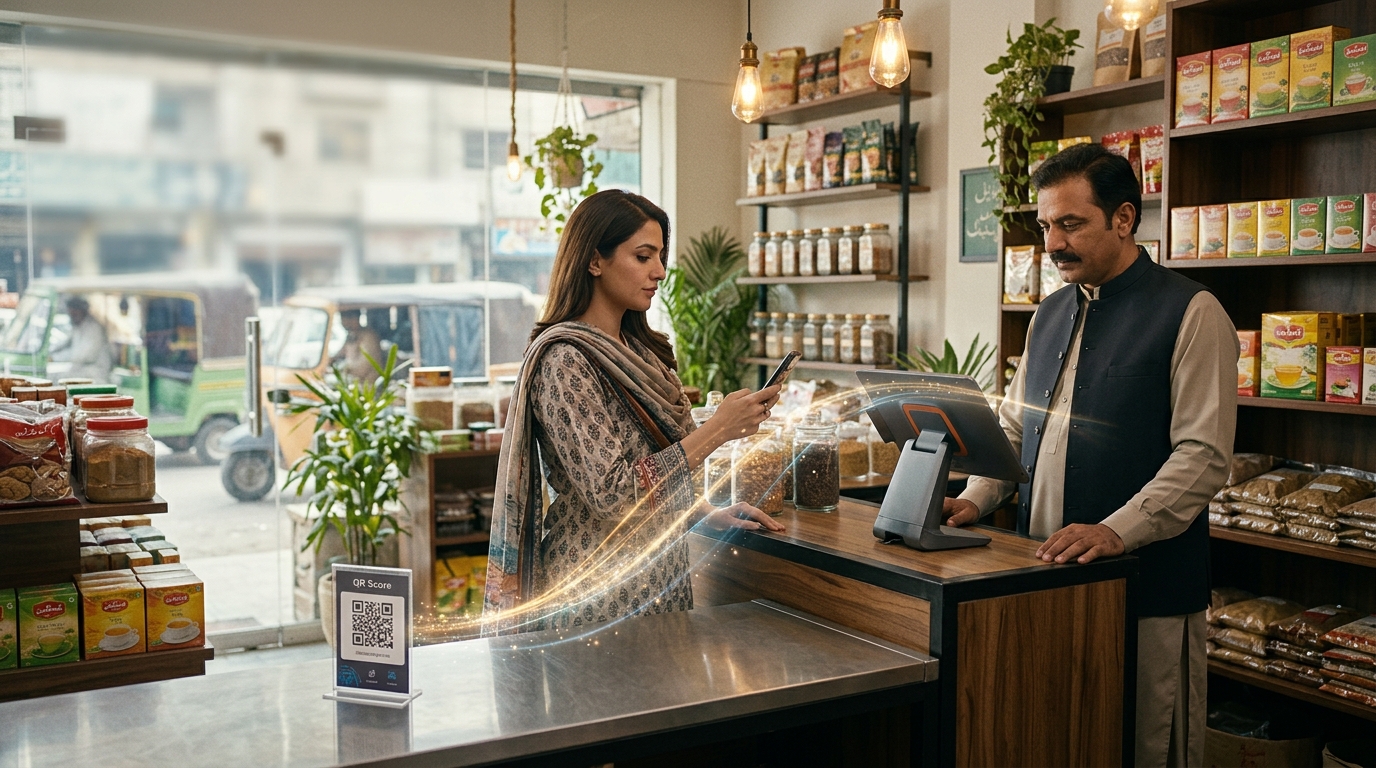
Today, a customer can open a banking or payment app, scan a QR code, confirm the payment details, and complete the transaction in seconds.
That small square pattern is a QR code, and it has become one of the simplest ways to initiate a digital payment.
QR payments allow customers to pay merchants, businesses, service providers, and other recipients through a compatible banking application, mobile wallet, or payment app. For businesses, they provide a practical way to accept digital payments without requiring customers to carry cash or manually enter lengthy payment details.
But the scan is only the beginning.
What exactly is a QR payment? How does QR code payment work? What happens after a customer scans the code? What is the difference between static and dynamic QR codes? And how can businesses use QR payments to make payment collection easier?
This guide covers the complete QR payment process, payment security, QR payment types, business use cases, QR payments in Pakistan, Raast QR, and how solutions such as Rupin can fit into the broader business payment workflow.
A QR payment is a digital transaction initiated by scanning a Quick Response code with a compatible smartphone, banking application, mobile wallet, or payment app.
The QR code itself is not money and it is not a wallet. It is better understood as a compact set of payment instructions.
Think of it like a barcode on a product. The barcode does not contain the physical product. It contains information that helps the relevant system identify it.
A payment QR code works in a similar way. Depending on the payment system, it can contain information such as the merchant or recipient identifier, payment destination, transaction details, amount, and reference information.
When the customer scans the code, the payment application reads that information and uses it to initiate the transaction.
That is why QR payment is often described as scan to pay.
The important distinction is this:
The QR code helps initiate the payment. The underlying payment infrastructure actually processes and moves the money
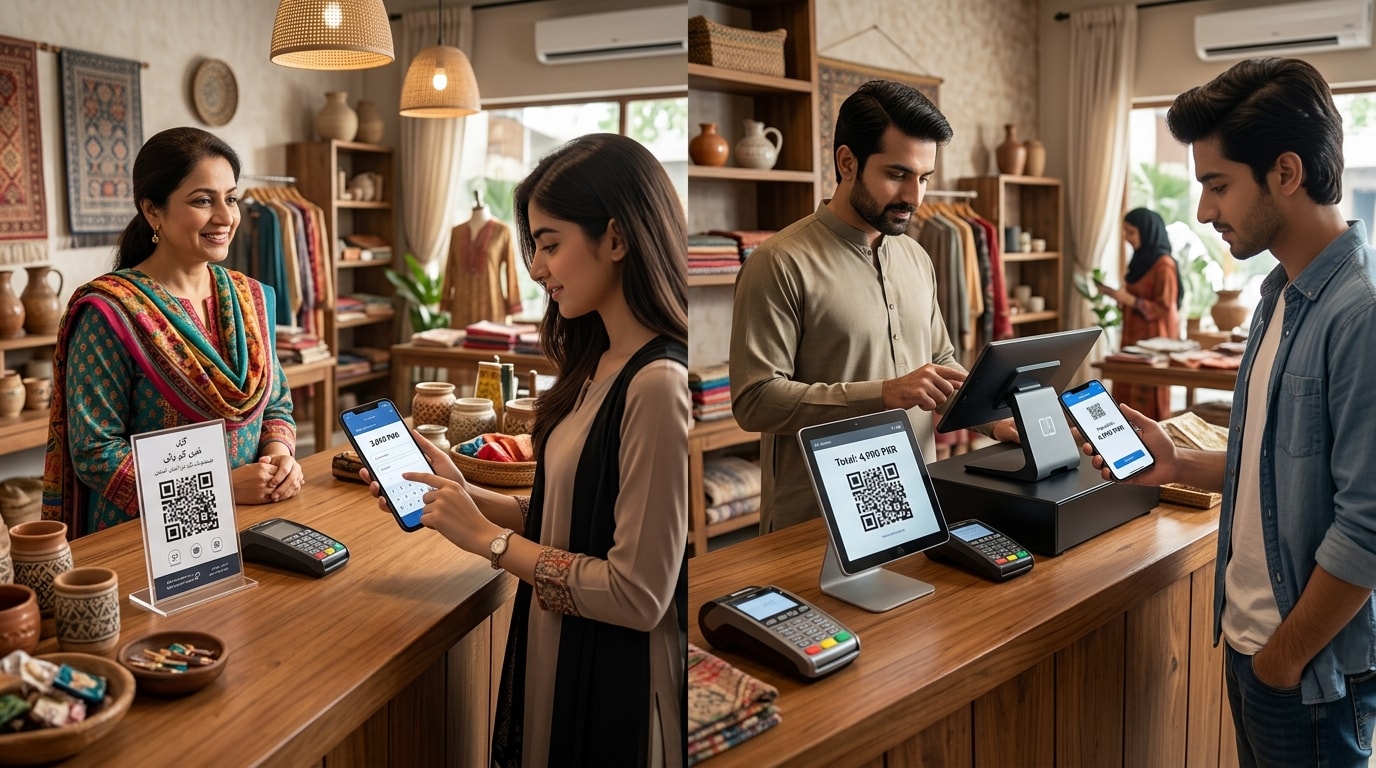
The exact process depends on the payment network, bank, wallet, and QR payment solution involved, but a typical QR payment follows these steps:
EMVCo's QR payment specifications support both merchant-presented and consumer-presented QR payment models and are designed to standardize the encoding of payment information.
A business may display a QR code on a counter, a printed sign, an invoice, a screen, or another payment point.
With a static QR code, the same code can be reused for multiple transactions.
With a dynamic QR code, a code can be generated for a particular transaction and may contain information such as the amount and transaction reference.
The customer opens a compatible payment application and uses its QR scanning function.
The application reads the information encoded in the QR code.
A generic camera is not necessarily enough to complete a payment. EMVCo notes that a specific mobile payment application is generally required to process merchant-presented payment QR information and conduct the payment.
The application can identify the relevant merchant or payment destination and display available transaction details.
Before authorizing the payment, the customer should verify the recipient and amount.
The customer confirms the payment using the authentication method required by the payment application.
Depending on the system, this may involve a PIN, fingerprint, face authentication, or another security mechanism.
The payment instruction travels through the relevant payment network and participating financial institutions.
The customer's account or wallet is checked and the transaction is approved or declined.
Once the payment is processed, the customer receives confirmation through the payment application or another supported notification method.
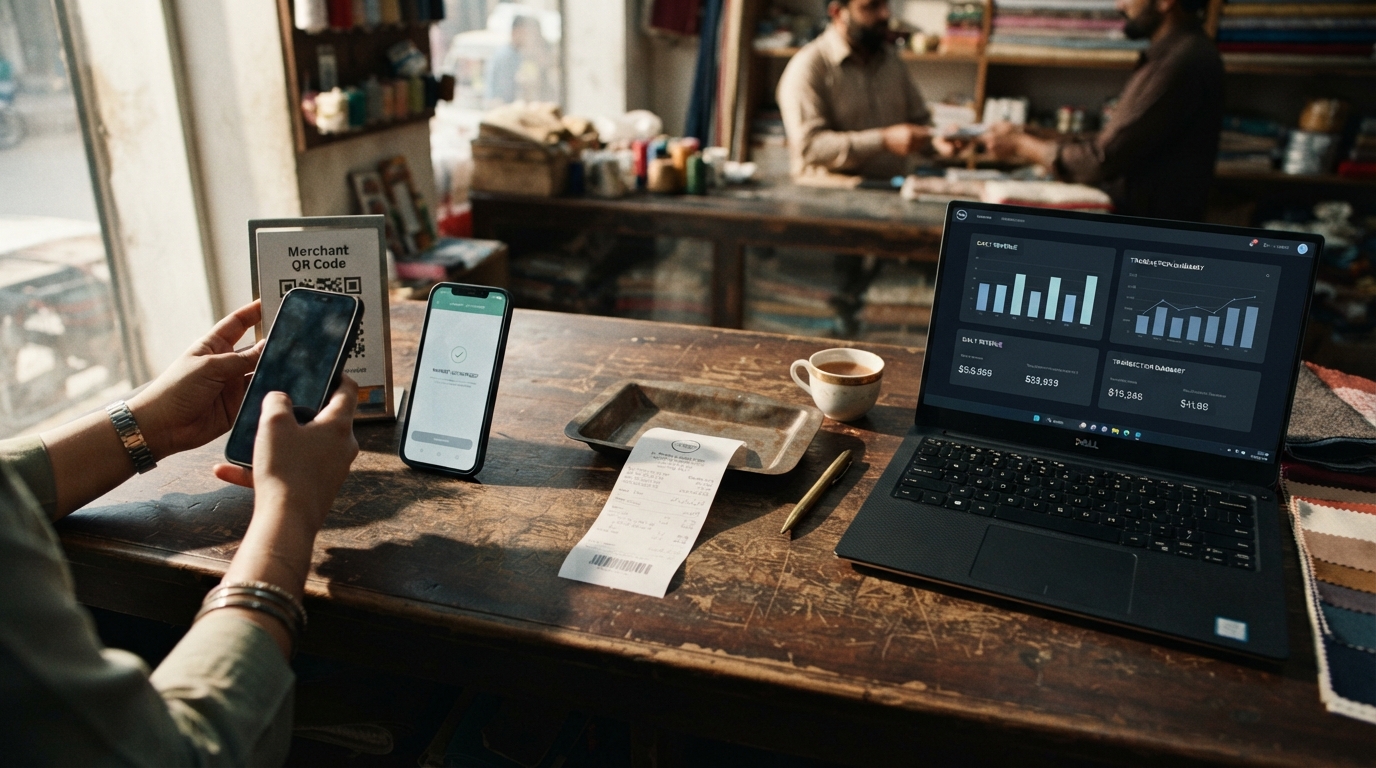
The merchant may receive an application notification, dashboard update, soundbox notification, or another confirmation.
For Pakistan's Raast P2M system, participating institutions are required to provide instant transaction confirmation or rejection notifications to customers and update digital account statements in real time.
The final movement of funds depends on the payment rail being used.
Some real-time payment systems can settle transactions almost immediately, while other payment arrangements may follow different settlement timelines.
Again, the key point is that the QR code itself does not move the money. It helps initiate the transaction.
A QR code is a machine-readable format that can store information.
For payment purposes, that information can include:
The exact information depends on the QR payment standard and payment system being used.
This is also why a payment QR code should not be treated like an ordinary QR code that simply opens a website. Payment QR codes use payment-specific data structures.
QR payments generally follow two major models: merchant-presented QR and consumer-presented QR.
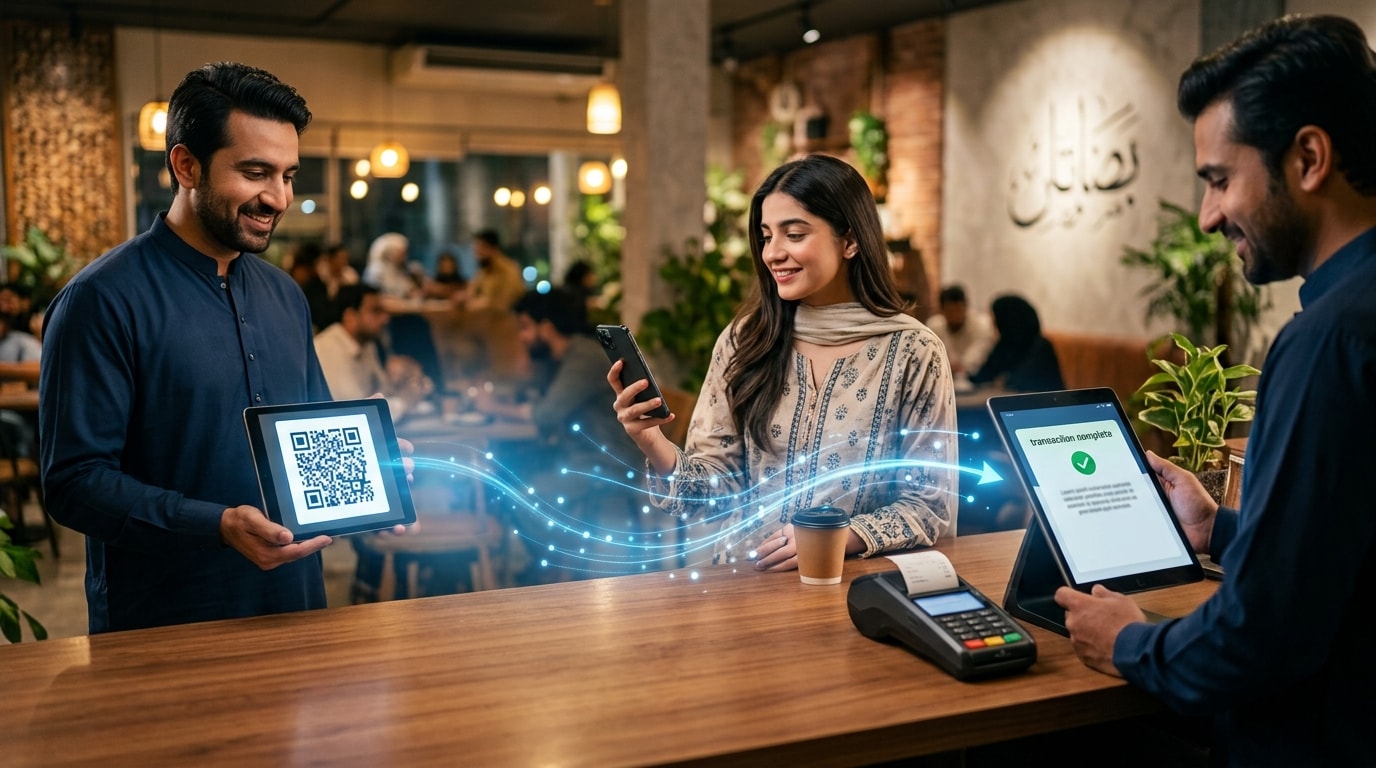
In the merchant-presented model, the business displays the QR code and the customer scans it using a payment application.
In the consumer presented model, the customer generates a QR code inside a payment application and the merchant scans it using a compatible scanner or device.
EMVCo officially supports both models.
For many small businesses, merchant-presented QR can be particularly practical because the business can display a QR code without requiring a traditional payment terminal.
One of the most important QR payment distinctions for businesses is whether the code is permanent or generated for a specific transaction.
A static QR code is like a permanent business address. It stays the same while different customers use it to make payments.
A dynamic QR code is more like a unique delivery address created for a particular order. It can contain transaction-specific information and may be linked to that particular payment.
Static QR codes are useful when a business wants a simple payment option that can remain displayed at the counter.
Dynamic QR codes become more useful when payment records need to be matched with individual orders or invoices.
For a business receiving a handful of payments, manually identifying transactions may be manageable.
For a business receiving dozens or hundreds of payments, transaction references can make reconciliation considerably easier.
Pakistan's Raast P2M framework supports both static and dynamic QR codes for merchant payment acceptance.
Another way to understand QR payments is to look at who initiates the movement of money.
In a push payment, the customer initiates the transfer and sends money to the merchant or recipient.
In a pull payment, the merchant or payment system initiates a request to collect money from the customer's payment source.
Many QR payment flows operate as push payments, although the exact behavior depends on the payment system.
This matters because the customer actively authorizes the payment from their own payment application. It also means that dispute and refund processes can differ from traditional card payments.
Usually, yes.
Scanning a QR code can happen without an internet connection because the phone is simply decoding the information represented by the pixels.
Completing the payment is different.
The payment application generally needs connectivity to communicate with the relevant payment infrastructure, authenticate the transaction, and receive an approval or rejection.
Some payment systems may support limited offline functionality under specific conditions, but this depends entirely on the payment system and its rules.
For most everyday QR payments, customers should assume that an active internet connection is required to complete the transaction.
QR payments, NFC tap to pay, and traditional card payments can all support digital transactions, but the technology and merchant requirements are different.
The main attraction of QR payments for many smaller businesses is accessibility. Depending on the solution, a merchant can accept digital payments without investing in a traditional POS terminal.
NFC can provide an extremely quick tap experience when compatible hardware is already available.
The appropriate payment method depends on the business model, customer preferences, infrastructure, and available payment services.
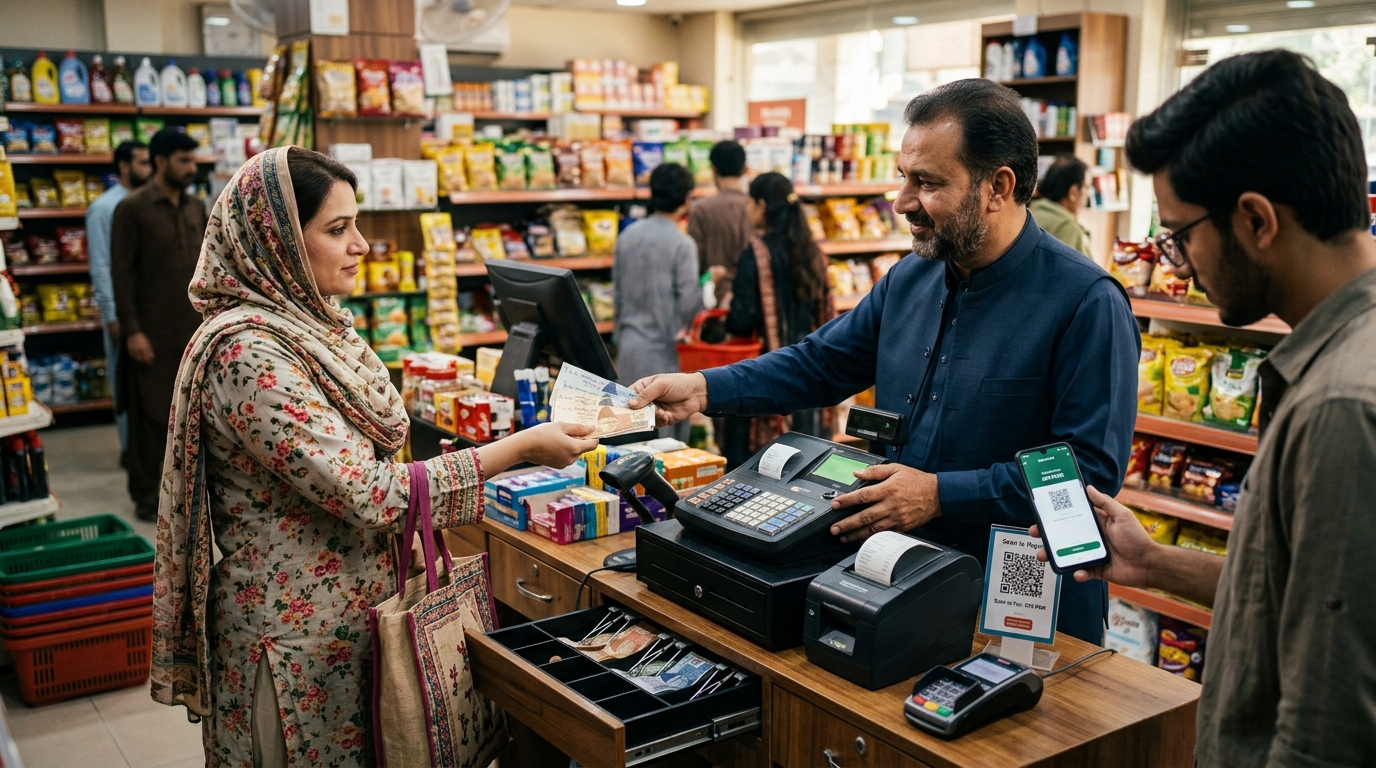
Both cash and QR payments allow customers to pay businesses, but the payment experience is fundamentally different.
For businesses, one of the biggest differences is the record created by a digital transaction.
A cash payment may simply leave money in a cash register unless someone records it.
A digital payment can create a transaction record that can later be reviewed or reconciled.
A traditional bank transfer can require customers to enter an account number, IBAN, or other payment details manually.
A QR payment can reduce that manual work by encoding relevant payment information into a scannable format.
The difference is similar to typing a complete address into a navigation system versus scanning an address that has already been prepared.
Both can reach the same destination, but scanning can reduce manual entry.
For customers, that can make the payment process simpler. For businesses, it can provide another way to present payment details without requiring customers to type them manually.
A digital wallet and a QR payment are not the same thing.
A digital wallet is a payment account or application that can be used to store, manage, or transfer funds.
A QR code is a mechanism for communicating payment information and initiating a transaction.
A customer can therefore use a digital wallet to make a QR payment.
In that situation, the wallet is the payment interface while the QR code provides the information needed to initiate the transaction.
QR payments can be secure when they are processed through legitimate payment systems and users follow basic payment security practices.
The biggest risks often come from fraudulent QR codes, fake payment pages, or QR code tampering rather than from the concept of QR payment itself.
Customers should always verify payment details before authorizing a transaction.
Depending on the payment system, security can involve:
Authentication ensures that simply scanning a code is not enough to complete the payment.
Tokenization can replace sensitive payment information with a substitute value, reducing the need to expose underlying account information during a transaction.
The exact security measures vary between providers and payment networks.
QR phishing, sometimes called quishing, occurs when a malicious QR code directs someone to a fraudulent website, payment page, or malicious application.
The code itself may look completely normal.
Before confirming a payment, customers should check the recipient and amount displayed by the payment application.
QR code tampering occurs when someone replaces or covers a legitimate merchant QR code with another code.
For example, a scammer could place a sticker containing their own payment information over a business's genuine QR code.
Businesses should regularly inspect physical QR codes, particularly those displayed in public areas.
Customers should also be cautious if a QR code appears to have been recently covered or altered.
A QR code does not make a payment legitimate simply because it looks official.
Before authorizing a payment, verify:
One particularly important point is that receiving money should not require a customer to enter a PIN simply because someone says they are sending money to them.
The cost of a QR payment depends on the payment network, provider, funding source, transaction type, and market.
Possible costs include:
The exact pricing structure should always be checked with the relevant payment provider.
Businesses should also consider the cost of reconciliation.
A payment solution that saves staff significant time matching payments with invoices can provide operational value beyond the headline transaction fee.
Imagine a shop displaying several different QR stickers.
One works with one wallet.
Another works with a different bank.
Another works with another payment application.
The customer now has to figure out which code works with their preferred app.
Interoperability aims to solve this problem.
An interoperable QR code can allow customers using different supported payment services to pay through the same merchant QR code.
EMVCo's QR specifications were designed to support standardized payment information and broader interoperability across payment solutions.
For merchants, interoperability can mean fewer QR codes to display and a simpler payment experience for customers.
Different countries have developed different QR payment ecosystems and payment rails.
The important point is that QR payment is a technology and payment method, not one universal payment network.
The payment rail underneath the QR code determines how the transaction is processed.
Setting up QR payment acceptance generally involves several steps.
The business selects a bank, payment service provider, wallet, or other regulated provider that supports merchant QR payments.
Interoperability is worth considering carefully. A QR code that works with only one ecosystem may be less useful than one supporting multiple relevant payment options.
The business may need to provide identity and business information as part of KYC and regulatory requirements.
The business needs a payment destination where collected funds can be received.
The provider generates the appropriate merchant QR code.
This can be static or dynamic depending on the payment solution.
The QR code can be displayed at a checkout counter or another customer facing payment location.
For physical locations, it should be easy to see and scan.
Businesses should have a reliable way to verify successful payments.
This could be an application notification, dashboard, soundbox, or another confirmation method supported by the provider.
The business should regularly match incoming payments with sales, invoices, or other transactions.
Dynamic QR payments can make this easier because individual transactions can contain unique references.
For businesses in Pakistan, QR payments are becoming an increasingly important part of the country's digital payment ecosystem.
The State Bank of Pakistan has introduced standards intended to support interoperability for QR payments and enable participating institutions to read and process standardized QR codes across payment schemes.
Raast has also become an important part of Pakistan's instant payment infrastructure.
In December 2023, the State Bank of Pakistan launched Raast Person to Merchant, or Raast P2M, to facilitate digital payment acceptance for merchants and businesses.
The service supports merchant payment acceptance through:
It also supports both static and dynamic QR codes.
SBP payment data also shows the scale of digital merchant payments in Pakistan. During the second quarter of fiscal year 2026, the country had approximately 1.9 million QR enabled stores, while Raast P2M had around 2.1 million registered merchants.
For Pakistani businesses, that makes QR payment increasingly relevant as a digital alternative to cash.
If you are researching QR payments in Pakistan, you will likely come across the term Raast QR.
QR payment and Raast are not the same thing.
Raast QR refers to QR based payment functionality connected with Pakistan's Raast payment ecosystem.
Raast is the State Bank of Pakistan's instant payment system.
Raast P2M is specifically designed for merchant and business payment acceptance. It supports QR payments alongside other payment methods such as Raast Alias, IBAN, and Request to Pay.
The distinction is simple:
QR payment describes the payment method.
Raast describes the payment infrastructure.
Therefore, not every QR payment should automatically be described as a Raast payment.
For small businesses, one of the biggest advantages of QR payments is simplicity.
A business can display a QR code and give customers another way to pay without requiring them to carry cash or manually enter lengthy payment details.
The practical benefits include:
Customers can scan and pay without manually entering lengthy payment information.
Businesses can reduce their reliance on physical notes and coins.
Customers can pay through supported banking apps and wallets.
Payments can create electronic records that are easier to review than manually recorded cash transactions.
Dynamic QR payments can associate individual payments with specific transactions.
Interoperable QR solutions can allow customers using different supported payment services to use the same merchant QR code.
A merchant QR code can be considerably simpler to deploy than a traditional payment terminal, depending on the provider and use case.
The real value comes when these benefits work together.
A QR payment is not simply about replacing cash with a scan. It can become part of a broader workflow for collecting, recording, and managing business payments.
QR payments are not limited to a traditional retail counter.
Depending on the payment solution, businesses can use them for:
A QR code can be displayed at the checkout counter.
Customers can scan a QR code to pay their bill.
Freelancers, professionals, technicians, and other service providers can give customers a digital payment option.
A payment QR can be included with an invoice where supported.
Businesses can use QR based payment flows in supported ecommerce environments.
Small sellers can accept digital payments without requiring a traditional retail setup.
QR payment can provide another payment option where the relevant service supports it.
In Pakistan, Raast P2M supports merchant payment acceptance at merchant locations and ecommerce checkouts.
A QR code is only the visible part of the payment process.
The broader business workflow can look like this:
Customer
↓
QR code
↓
Payment application
↓
Payment network
↓
Payment processing
↓
Merchant
↓
Transaction record
↓
Reconciliation
For a business receiving a few payments each day, the QR code itself may be enough.
For a business receiving dozens or hundreds of payments, the surrounding system becomes just as important.
The business needs to know:
Payment confirmation, transaction records, reconciliation, business accounts, expenses, bookkeeping, and reporting can all influence how useful a digital payment solution becomes.
That is why QR payment should be viewed as part of a broader business payment collection workflow, rather than as a standalone scanning feature.
A QR code can make collecting a payment easier.
But collecting the payment is only one part of managing business money.
Once a customer has paid, the business still needs to keep track of the transaction, manage incoming money, organize financial records, and stay on top of day-to-day financial activity.
That is where Rupin fits into the bigger picture.
Rupin brings business payments and financial management together in one platform. Its current positioning covers business accounts and wallets, payments and collections, bookkeeping and reconciliation, expenses, transactions, and inventory management. It also promotes QR payments as a way for businesses to collect quickly and reduce hassle at the counter.
For a business, that creates a workflow that goes beyond simply displaying a QR code.
The QR scan starts the payment.
The surrounding financial system helps the business keep track of what happens next.
With Rupin, businesses can use QR payments as part of a wider approach to collecting money, monitoring transactions, organizing business finances, and managing day-to-day financial activity.
For a business owner who wants customers to pay digitally without turning payment collection into another administrative task, that difference matters.
A QR code can make the payment moment quick and convenient.
But your business needs more than a successful scan.
You need to keep track of transactions, stay on top of incoming payments, organize financial activity, and spend less time dealing with payment-related administration.
With Rupin, businesses can bring QR payment collection into a wider system for managing payments, transactions, and day-to-day business finances.
Make it easier for customers to pay. Make it easier for you to keep track of what happens next.
Explore Rupin and see how a more connected approach to business payments can work for your business.
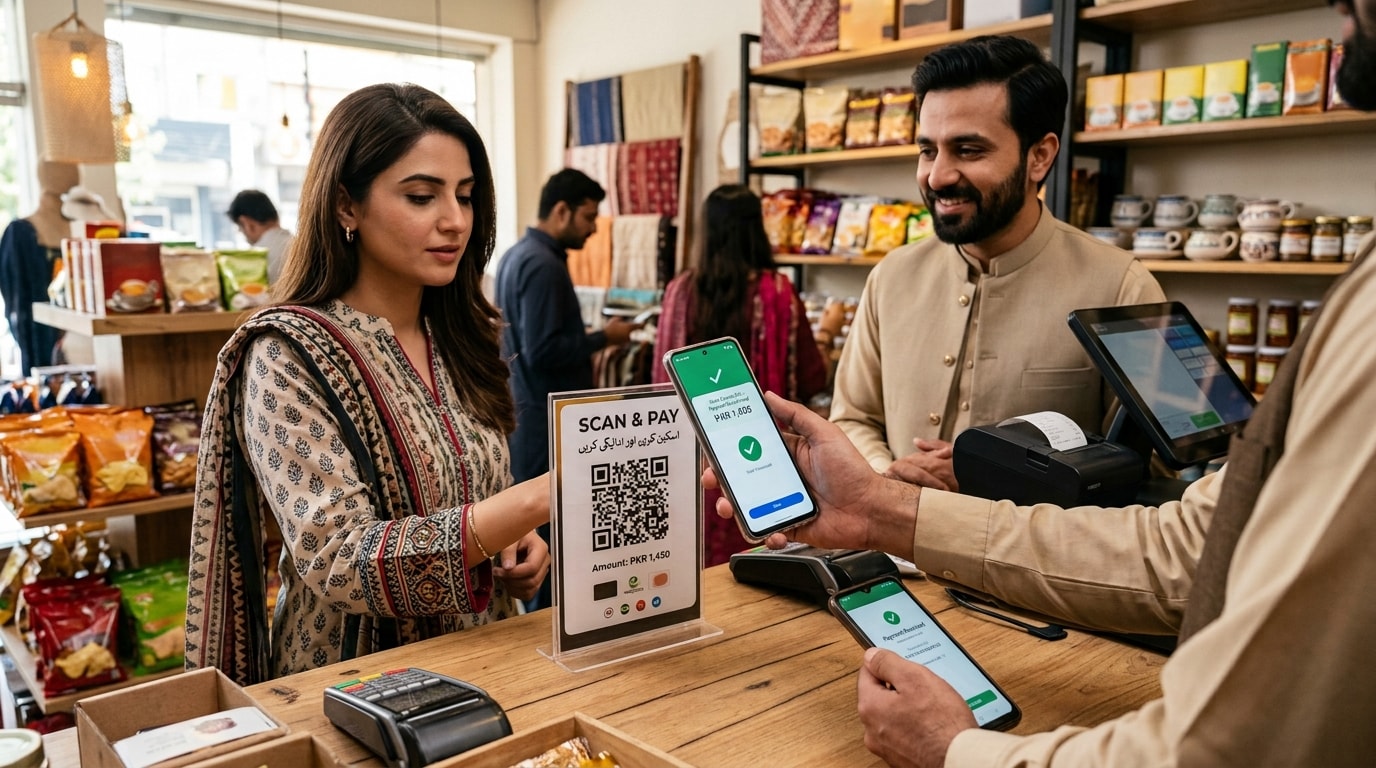
QR payment is a digital payment method where a customer uses a compatible banking application, mobile wallet, or payment app to scan a QR code and initiate a transaction.
A merchant displays a QR code. The customer scans it using a compatible payment application, checks the payment details, enters the amount if required, and authorizes the transaction. The payment is then processed through the relevant financial infrastructure.
A static QR code is a reusable payment QR code that can remain displayed at a business location. The customer generally enters the payment amount manually.
A dynamic QR code is generally generated for a specific transaction and can contain information such as the payment amount and a unique transaction reference.
Static QR codes are reusable, while dynamic QR codes are generally created for individual transactions. Dynamic QR codes can contain transaction specific information and can make reconciliation easier.
QR payments can be secure when processed through legitimate payment systems and used with basic security practices. Customers should verify the recipient and amount, use trusted payment applications, and avoid suspicious or altered QR codes.
Yes. Businesses can use QR payment solutions to accept digital payments from customers. In Pakistan, Raast P2M provides a framework for merchant payment acceptance through QR codes and other payment methods.
A business can work with a bank or payment service provider that supports merchant QR payments. Depending on the solution, the business may need to complete KYC, link a settlement account, receive a merchant QR code, and display it for customers.
Raast QR refers to QR based payment functionality connected with Pakistan's Raast payment ecosystem. Raast P2M supports merchant payment acceptance through QR codes as well as other payment methods.
Usually, yes. Scanning a QR code can happen offline, but authorization and transaction processing generally require connectivity to the relevant payment infrastructure.
Yes, where the relevant bank application or mobile wallet supports QR payments. The application acts as the payment interface while the QR code provides the payment information.
QR payments can reduce manual data entry, support cashless transactions, create digital payment records, and give customers another way to pay. For businesses, they can also support payment confirmation and reconciliation.
A traditional bank transfer may require customers to enter payment information manually. QR payment can provide relevant payment information through a scannable code, reducing manual entry.A traditional bank transfer may require customers to enter payment information manually. QR payment can provide relevant payment information through a scannable code, reducing manual entry.
QR payment generally uses a QR code and compatible payment application. Card payment generally uses a physical or virtual card through a supported card payment acceptance system.
QR payment generally uses a smartphone camera to scan a code. NFC payment uses short range wireless communication between compatible devices or a payment card and terminal.
Costs depend on the payment network, provider, transaction type, funding source, and market. Depending on the arrangement, businesses may encounter transaction fees, merchant discount rates, hardware costs, onboarding costs, or reconciliation costs.
Yes, depending on the payment solution. Dynamic QR codes can be particularly useful for invoices because they can associate payment information with a specific transaction.
Yes. QR payments provide a simple way for customers to make digital payments. When combined with transaction records, payment alerts, reconciliation, and business finance tools, they can also help businesses manage incoming payments more efficiently.
Rupin provides QR payment functionality for business collections and positions it alongside broader business financial tools such as business accounts, payments and collections, bookkeeping, reconciliation, expenses, and transaction management. Businesses can explore Rupin to see how QR payment collection can fit into a broader system for managing business money.
Verified identities and regulated payments help keep your business and money secure.
NADRA identity verification helps protect your account and keep Rupin secure for everyone.
Rupin operates under the State Bank of Pakistan’s EMI Pilot framework for secure digital payments.
5M+
Businesses trust Rupin
2B+
Monthly transaction volume
4.5
Play Store rating