

Verified by NADRA
NADRA identity verification helps protect your account and keep Rupin secure for everyone.

October 6, 2026
.Blog
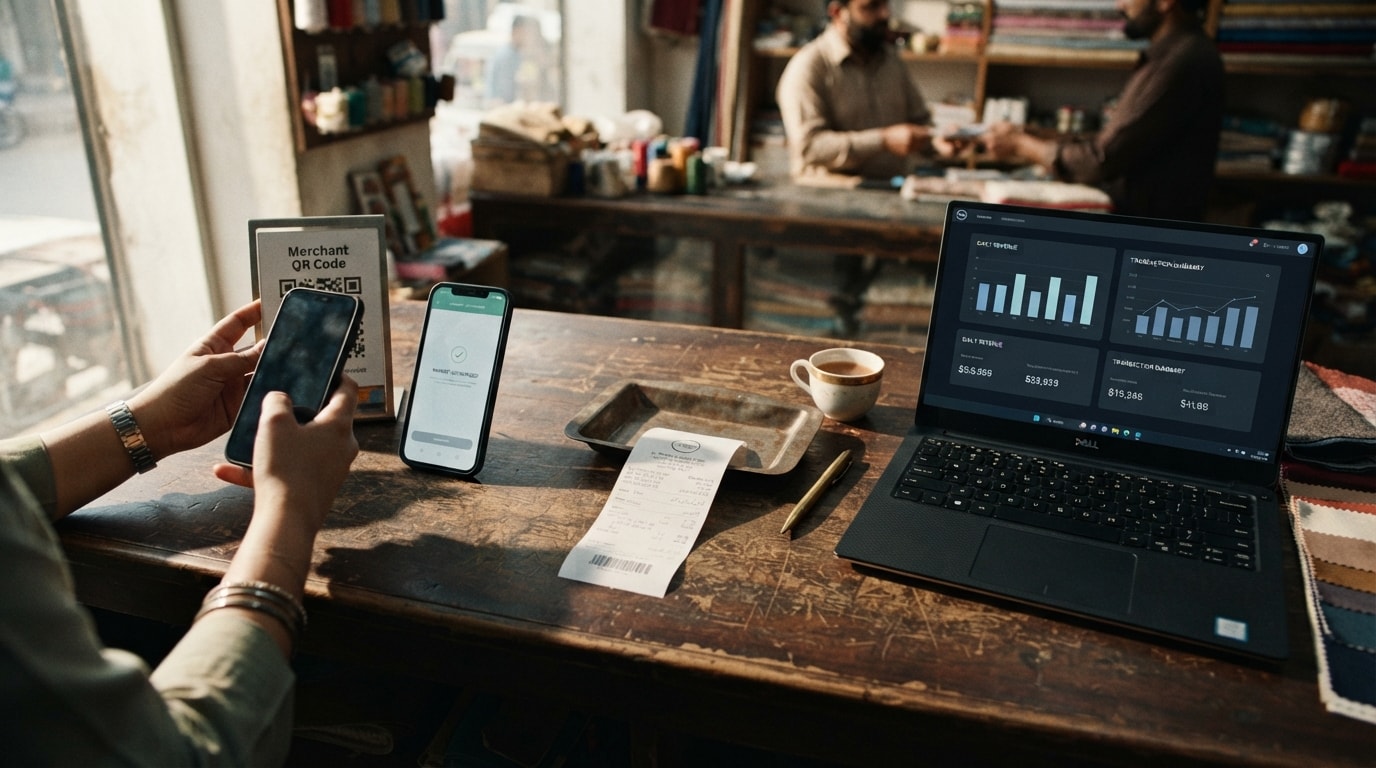
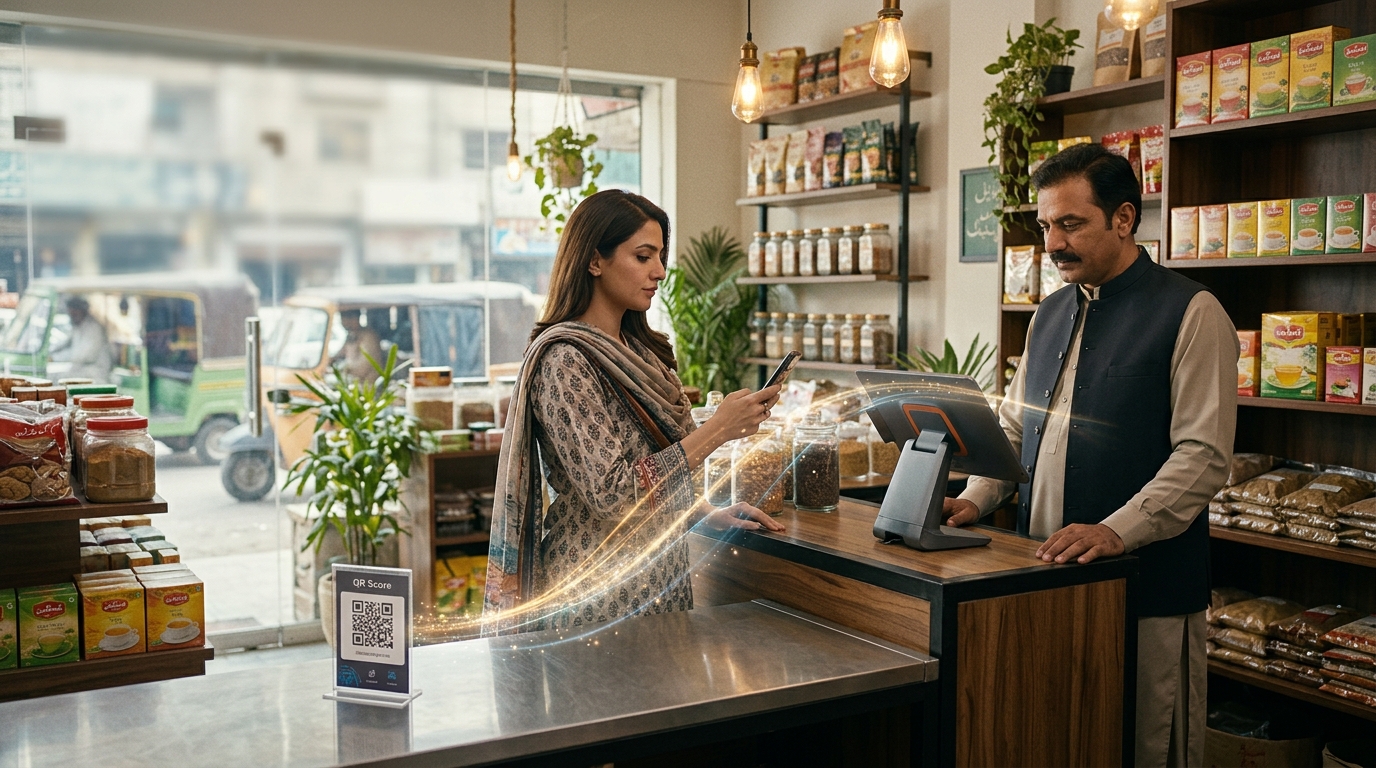
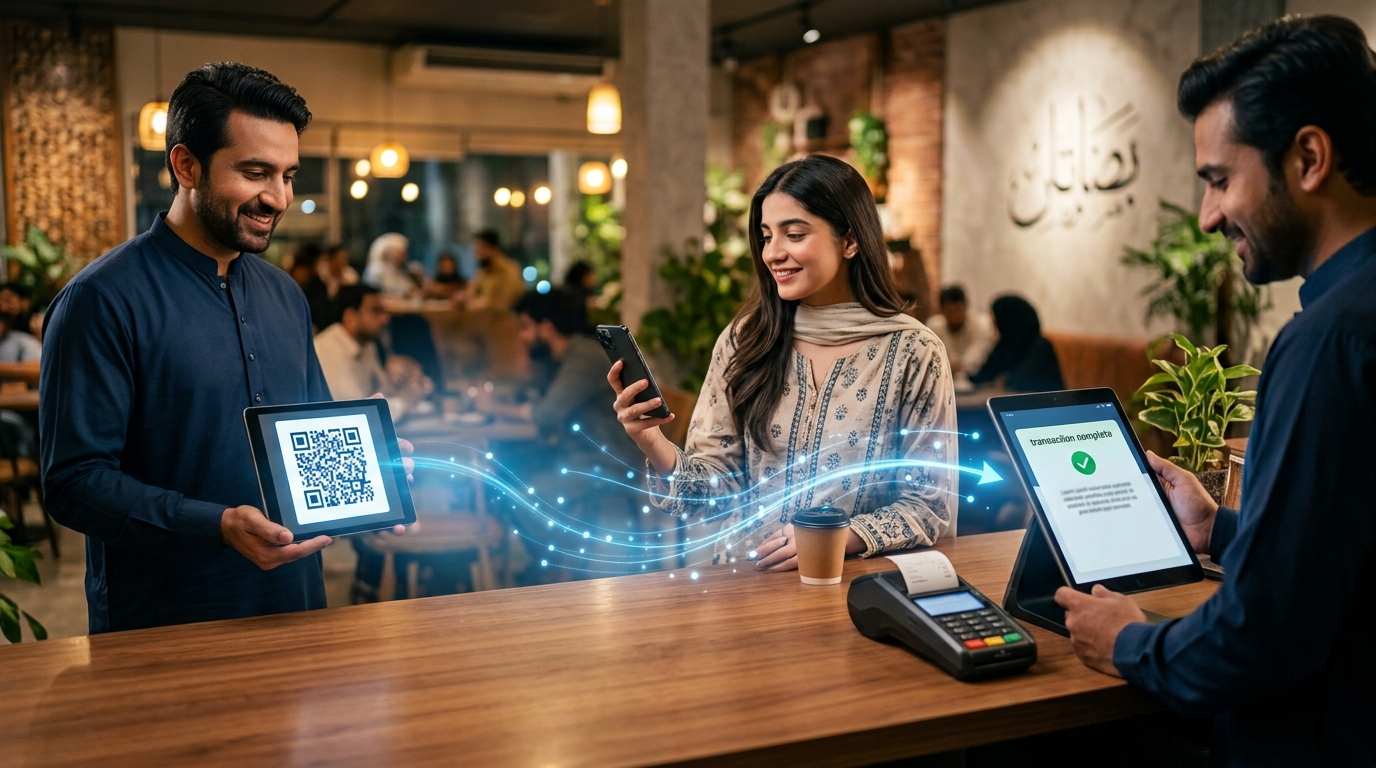
A customer reaches your counter, pulls out their phone, scans your QR code, confirms the amount, and the payment is complete.
No counting cash. No searching for change. No waiting for a card terminal.
Just scan, pay, and go.
For businesses, that simplicity can make a real difference. A QR code can turn a small printed code on your counter, invoice, menu, receipt, or screen into a convenient payment channel. Customers can pay through supported banking apps and digital wallets, while your business gets a digital transaction record instead of relying entirely on physical cash.
That is why more businesses are looking at how to accept QR payments.
In Pakistan, the opportunity is becoming increasingly significant. The State Bank of Pakistan has established a standardized QR payment framework, while Raast Person to Merchant supports merchant payments through static and dynamic QR codes alongside other payment methods.
So how does a business actually get started?
The process is straightforward. You choose a suitable QR payment solution, complete merchant onboarding, obtain your business QR code, display it where customers can easily scan it, and establish a reliable process for confirming and reconciling payments.
But the QR code itself is only the beginning.
The right payment solution should help you collect payments, track transactions, reconcile your money, and manage your wider business finances.
This guide explains how QR code payments for business work, how to accept QR payments, what to consider when choosing a provider, how QR payments compare with cash and card payments, and how Rupin can help businesses connect payment collection with their wider financial operations.
A QR code may look like a small printed square, but for a business it can become a digital payment doorway.
Your customer scans it, their banking app or digital wallet identifies the payment destination, and the payment moves through the relevant payment network.
The benefits go beyond simply replacing cash.
Customers can scan and pay without searching for exact cash or waiting for change.
For busy retailers, cafes, restaurants, pharmacies, and service businesses, reducing friction at checkout can make the payment experience smoother and faster.
One of the biggest attractions of QR payment acceptance is that a traditional payment terminal may not be required.
A business can display its QR code on a printed standee, receipt, invoice, screen, or another suitable surface.
SBP describes QR payments as a unified acceptance method that can work across banks, electronic money institutions, and wallets without requiring dedicated hardware.
That makes QR particularly useful for smaller businesses, market vendors, freelancers, and service providers that want digital payment acceptance without adding dedicated payment hardware.
Customers already carry the device they need.
Their smartphone.
A business QR code gives them another way to pay through supported banking apps and digital wallets without requiring them to carry physical cash.
Unlike physical cash, digital transactions generate electronic records.
Depending on your payment solution, you can use transaction history to verify payments, track activity, and reconcile incoming money with sales or invoices.
This becomes increasingly valuable as transaction volumes grow.
QR payments give customers another payment option without requiring everyone to carry cash.
That does not mean cash needs to disappear.
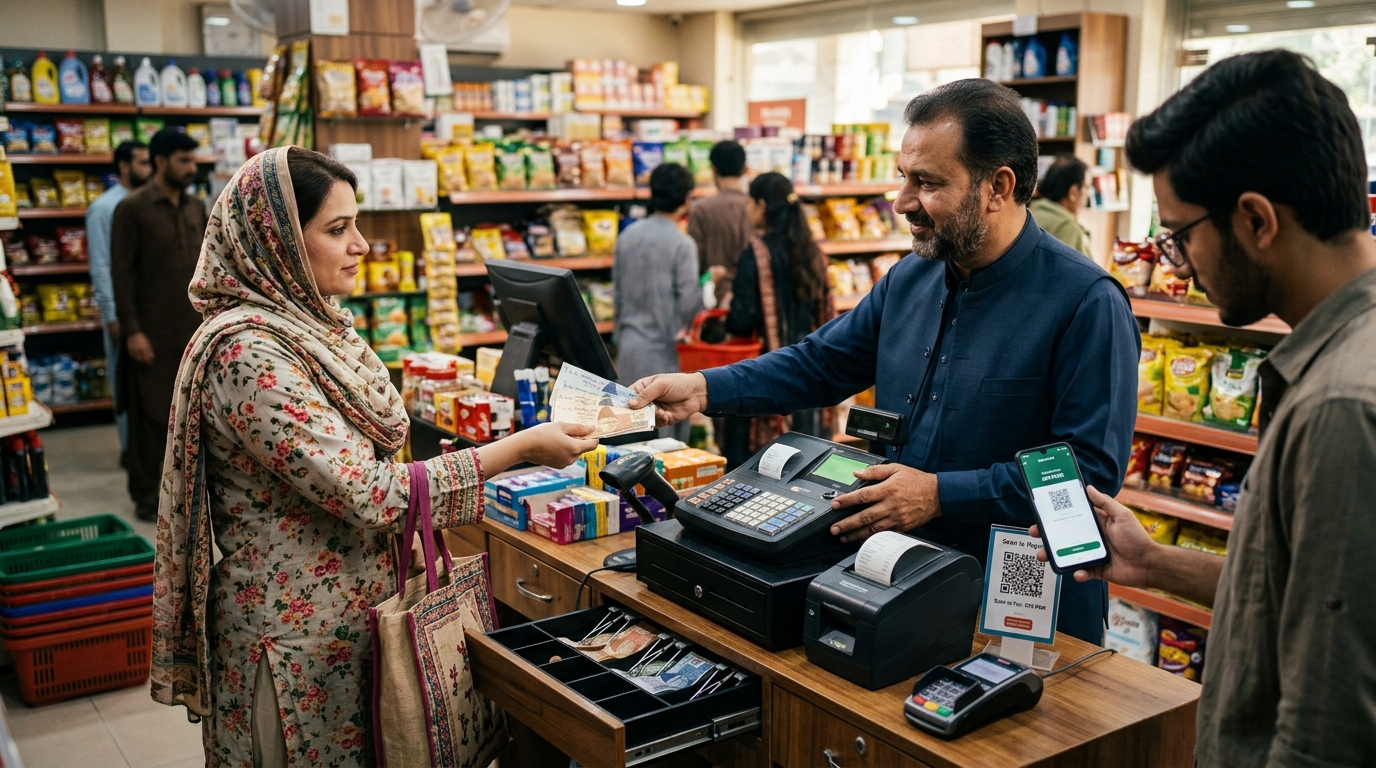
For many businesses, the stronger setup is simply cash plus QR, allowing customers to choose the payment method that works best for them.
Getting paid is only part of the process.
You also need to know which sale, invoice, or customer the payment belongs to.
A good QR payment solution should make it easier to connect incoming payments with business records.
That becomes especially important when you have multiple employees, high transaction volumes, invoices, credit sales, or several payment channels.
For the customer, the process is simple.
They scan your QR code using a supported banking app or digital wallet, confirm the payment details and amount, authorize the transaction, and complete the payment.
The QR code itself is not the payment. It contains payment information that allows the customer's payment app to identify the relevant payment destination.
Think of it as a digital signpost directing the payment to your business.
A typical transaction works like this:
That final step matters.
A customer saying they have paid is not the same as your business confirming that the payment was successfully received.
Your staff should verify payments through the merchant payment interface, transaction history, notification, or another official confirmation method.
In Pakistan, the standardized QR framework is designed to support interoperability, while Raast P2M provides infrastructure for merchant payment acceptance.
The result for your business is simple:
Give customers an easy way to pay while using a reliable system to confirm and manage those payments.
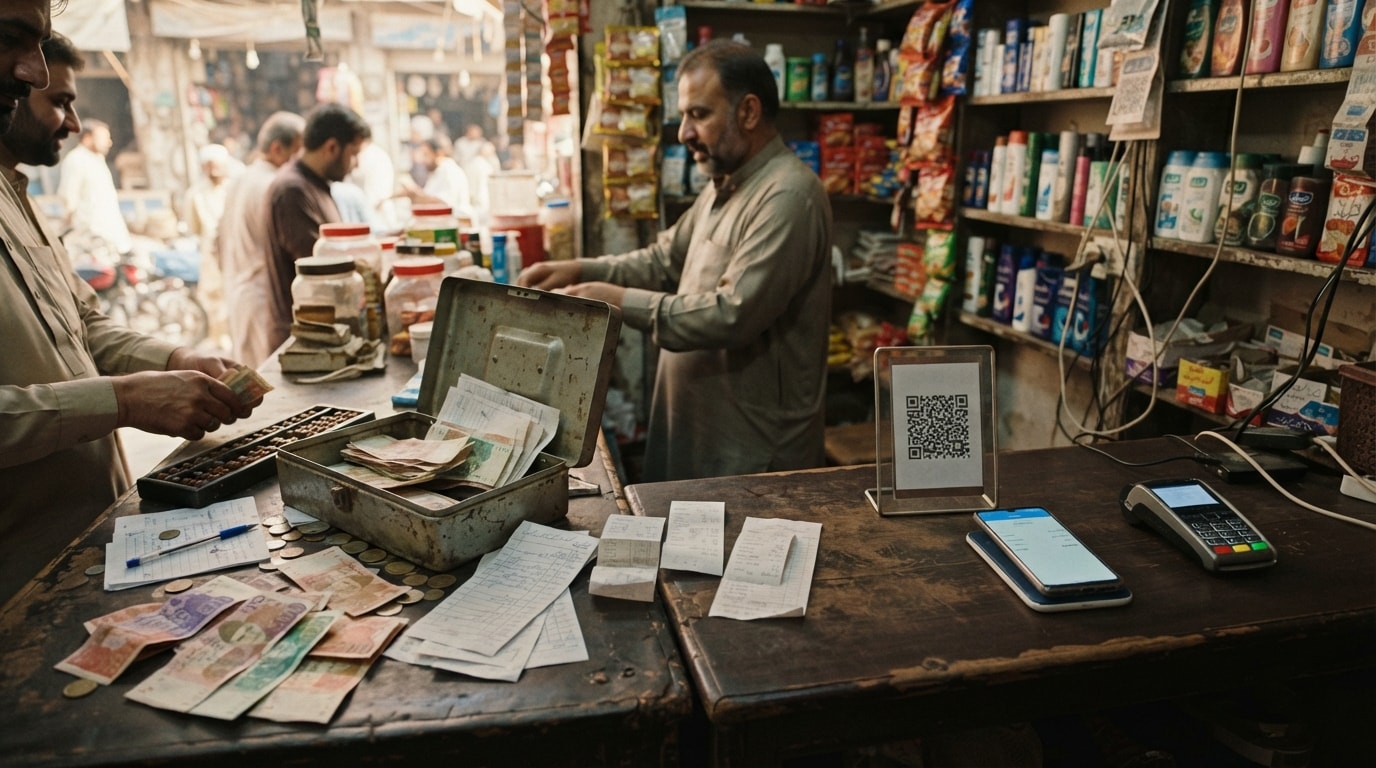
Businesses looking to generate a QR code for payment will generally encounter two main types.
A static QR code is created once and can be reused.
A dynamic QR code is generated for a specific transaction or payment request.
SBP's Raast P2M framework supports both static and dynamic QR codes for merchant payment acceptance.
For a small shop, a static QR code may be perfectly practical. If your business handles larger transaction volumes, invoices, or more complex payment workflows, dynamic QR codes can provide greater control by connecting the payment more closely with a specific transaction.
You can also use both.
For example, a cafe could display a static QR code at the counter for everyday purchases while using dynamic payment requests for larger catering orders.
The right choice depends on how your business actually collects money.
The exact process varies by provider, but the overall journey is straightforward.
Start by choosing a payment provider that supports business QR payment acceptance.
Potential options include banks, electronic money institutions, payment service providers, and business payment platforms.
Do not choose a provider simply because it gives you a QR code.
Compare:
For businesses in Pakistan, it is also important to understand whether the provider supports Raast-based merchant payments where relevant.
SBP states that businesses can accept Raast payments by enabling Raast services through their respective banks or payment providers.
Use an appropriate merchant setup rather than simply displaying a personal payment account for business collections.
Merchant onboarding can require business information, identity verification, account information, and other documentation depending on the provider.
The purpose is straightforward.
The payment destination should clearly belong to the legitimate business receiving the money.
SBP requires Raast Merchant Service Providers to onboard merchants after appropriate due diligence and support approved merchant payment acceptance methods.
Once your merchant account is approved, your provider can issue or generate the relevant QR code.
This QR code is associated with your merchant payment setup.
Depending on the provider, it may be available as a digital image, a printable code, a standee, or as part of a broader payment interface.
Placement matters.
A QR code hidden behind the counter is technically available, but it creates unnecessary friction.
Useful locations include:
Make the code large enough to scan comfortably and place it where customers naturally look when they are ready to pay.
Visibility is part of payment conversion.
Before accepting your first customer payment, test the QR code.
Confirm that:
This prevents a customer from discovering a problem with your payment setup before you do.
Employees should understand how to verify a successful payment.
A customer showing a screenshot is not necessarily sufficient evidence that money has reached the business.
Staff should verify the transaction through the merchant payment interface, notification, transaction history, or another official confirmation method.
Receiving a payment is only one part of the process.
You also need to know which sale or invoice the payment belongs to.
A good payment workflow connects collection with transaction records wherever possible.
This becomes increasingly important as transaction volumes grow.
The ideal workflow is:
Customer pays → Payment is verified → Transaction is recorded → Payment is reconciled
That is where QR payment acceptance becomes part of a broader financial workflow rather than simply another payment option.
Yes.
A traditional card terminal is not necessarily required to accept QR payments.
A business can display its merchant QR code on paper, a standee, screen, invoice, receipt, or another suitable surface, while the customer's smartphone handles scanning and payment initiation.
This makes QR particularly relevant for smaller businesses, market vendors, freelancers, service providers, restaurants, pharmacies, and other merchants that may not want the cost or operational complexity of dedicated payment hardware.
QR payments and POS systems also do not have to be competing choices.
A POS system can help manage sales and checkout, while QR payments provide another way for customers to pay.
The right setup depends on what your business actually needs.
QR payments and card terminals both allow businesses to accept digital payments, but they work differently.
QR payments do not necessarily need to replace card acceptance.
If your customers prefer paying through banking apps or digital wallets, QR gives you another convenient option.
If customers regularly pay by card, card terminals remain relevant.
For many businesses, the strongest approach is simply to offer customers more than one way to pay.
QR payments can also complement cash rather than replace it.
Cash remains familiar and accessible.
QR payments give customers another option.
For many businesses, the strongest setup is therefore:
Cash plus QR.
Customers can choose the method that works for them while the business can accept a wider range of payment preferences.
QR payment fees vary by payment provider, payment network, transaction type, and merchant arrangement.
It would be inaccurate to assume every QR payment is free or that every QR payment is cheaper than card acceptance.
Instead, compare the complete cost structure.
Important factors include:
In Pakistan, Raast P2M pricing and merchant support arrangements can depend on the regulated entity and applicable programs.
SBP announced a targeted government subsidy for eligible Raast P2M QR transactions conducted between September 1, 2025 and June 30, 2026, subject to specific conditions and permitted servicing charges for regulated entities.
Because payment pricing can change, businesses should always confirm current commercial terms directly with their provider.
Do not compare providers on fees alone.
Also consider payment confirmation, transaction history, reconciliation, settlement, support, and business management functionality.
The better question is not simply:
“What does QR payment cost?”
It is:
“What will this payment setup cost my business, and what am I getting in return?”
Payment confirmation and settlement are related, but they are not necessarily the same thing.
Payment confirmation tells you that the customer's transaction has been processed.
Settlement determines when the business can access the funds according to the relevant payment arrangement.
Settlement depends on the payment provider and payment network.
Some payment systems support instant payment processing and fast settlement, while the exact availability of funds can depend on the merchant arrangement.
Raast is designed as an instant payment system, and SBP's P2M framework requires customer transaction confirmation or rejection notifications and real-time updating of customer account statements through digital channels.
For your business, this distinction matters when managing daily cash flow, supplier payments, payroll, and other expenses.
Before choosing a provider, ask both:
“How quickly is the payment confirmed?”
and
“When can my business access the funds?”
QR payments are becoming an increasingly important part of Pakistan's digital payment ecosystem.
SBP introduced Pakistan's standardized QR framework to support interoperability across payment participants. Raast P2M subsequently expanded merchant payment acceptance through QR codes, merchant aliases, IBAN, and Request to Pay.
The adoption numbers show that QR payments are no longer a niche payment method.
SBP's Q2 FY26 retail payments review reported approximately 1.9 million QR enabled stores and 2.1 million merchants registered on Raast P2M.
The same review reported 59.5 million P2M QR transactions worth PKR 287 billion during October to December 2025.
For Pakistani businesses, this creates a clear opportunity.
A business QR code gives customers another way to pay while allowing merchants to participate in the country's growing digital payment infrastructure.
You do not need to transform your entire business overnight.
Adding QR can simply give your customers another convenient way to pay.
Almost any customer-facing business can potentially use QR payments if it has access to an appropriate merchant payment solution.
Retailers can place a QR code at checkout and let customers scan and pay after selecting their purchases.
Restaurants can use QR payment acceptance at counters or tables, giving customers another way to settle their bills.
Pharmacies can offer QR payments alongside cash, giving customers an additional digital payment option.
High-traffic stores can use QR payments as another checkout option, particularly for customers who prefer mobile payments.
Small vendors can benefit from the fact that QR codes can be displayed without requiring a dedicated payment terminal.
Freelancers can incorporate payment information into invoices and provide customers with a convenient way to pay.
Delivery businesses can provide QR payment options at the point of delivery where their payment setup supports it.
Salons, repair businesses, tutors, consultants, clinics, and other service providers can use QR payment acceptance to collect payments after completing a service.
Across all these businesses, the basic opportunity is the same:
Give customers an easy way to pay while making it easier for your business to verify and manage the payment.
Your business QR code needs to be easy to scan and easy for customers to trust.
When preparing a printed QR code:
Think of a QR code as a physical payment address.
If someone changes that address to another, the payment could go somewhere else.
That makes physical QR security an important part of merchant payment security.
QR payments can be secure when businesses use legitimate payment providers and follow appropriate payment verification practices.
The technology itself is usually not the biggest practical weakness.
The bigger risks can come from social engineering, fake payment confirmations, unauthorized QR replacement, or customers and staff failing to verify whether a transaction was actually completed.
One common physical risk is QR code tampering.
Someone could place a fake QR code over a legitimate merchant code so customers unknowingly send money to the wrong destination.
Businesses should therefore:
For larger transactions, dynamic QR can also help reduce manual amount entry and connect the payment more closely with a particular transaction where supported.
The goal is simple:
Make it easy for genuine customers to pay while making the payment process harder to misuse.
The best QR payment solution is not necessarily the one with the biggest QR code or the lowest advertised fee.
Evaluate the entire payment journey.
This distinction matters because a QR code solves the payment acceptance problem.
Your business still needs to manage the money after it arrives.
If you are a small business starting with digital payments, simplicity may be your priority.
If you process a high volume of transactions, tracking and reconciliation may matter more.
If you regularly send invoices, payment collection should work naturally alongside invoicing.
And if you want a broader view of your business finances, look for a solution that connects payment activity with sales, expenses, and financial reporting.
The QR code gets you paid. The right platform helps you understand what happens to the money afterward.
For a business, accepting a payment is only the beginning.
Once the customer has paid, you still need to know:
Was the payment received?
Which sale or invoice does it belong to?
Has it been recorded correctly?
What does it mean for your overall business finances?
That is where Rupin fits into the QR payment journey.
Rupin enables businesses to accept payments through QR, IBAN, and payment links while bringing payment collection together with sales, expenses, invoices, and financial visibility.
Instead of treating payment collection as an isolated activity, your workflow can move from:
Customer pays
↓
Payment is recorded
↓
Payment is reconciled
↓
The business understands its income and expenses
Rupin also supports branded invoices and receipts, payment collection, sales recording, expense management, and profit visibility. Its website states that payments can be automatically reconciled with the relevant transactions, reducing the need for manual matching.
This is the difference between simply having a QR code and having a broader payment workflow.
A QR code helps you collect money.
Rupin helps connect that payment collection with the financial activity around your business.
For businesses that want to move beyond basic QR payment acceptance and bring payment collection, sales, expenses, invoices, reconciliation, and financial visibility into one platform, that is the bigger opportunity.
QR payments can be a simple addition with a meaningful operational impact.
Customers can scan and pay using their phones. Businesses can offer another digital payment option without relying entirely on cash or dedicated card hardware. Digital transaction records can also make payment tracking and reconciliation easier.
In Pakistan, the infrastructure supporting QR payments is already well established through the country's standardized QR framework and Raast P2M.
But the QR code itself is only one part of the equation.
The stronger approach is to choose a payment solution that helps your business collect money and manage what happens afterward.
Rupin brings QR payments, payment links, IBAN-based collection, invoices, sales, expenses, reconciliation, and business financial visibility into one platform.
Your customers get a simple way to pay.
You get a more connected way to manage the money coming into your business.
Download the Rupin app and start building a simpler payment workflow for your business.

A customer scans the merchant QR code using a compatible banking app or digital wallet, confirms the payment details and amount, and authorizes the transaction. The merchant then verifies the payment through the relevant payment system.
A business can accept QR payments by choosing a suitable merchant payment provider, completing merchant onboarding, obtaining a business QR code, displaying it where customers can scan it, and establishing a process for confirming and reconciling payments.
A business generally needs to register with a suitable bank, payment service provider, electronic money institution, or business payment platform. After merchant verification and approval, the provider can issue or generate the relevant merchant QR code.
Yes. A business can accept QR payments without a traditional card terminal when its payment provider supports QR merchant acceptance. The QR code can be displayed on paper, a standee, a screen, an invoice, or another suitable surface.
A static QR code remains the same and can be reused, with the customer generally entering the payment amount. A dynamic QR code can be generated for a particular transaction and may include the amount or transaction details.
Fees vary by payment provider, payment network, transaction type, and merchant arrangement. Businesses should compare transaction charges, settlement charges, onboarding costs, monthly charges, and other applicable fees before choosing a provider.
Settlement timing depends on the payment provider and payment network. Some payment systems support instant payment processing and confirmation, but the exact availability of funds depends on the merchant arrangement.
QR payments can be safe when businesses use legitimate providers, protect their merchant accounts, monitor physical QR codes, and verify successful transactions through official payment records.
Yes. Businesses in Pakistan can enable Raast merchant payment services through participating banks and payment providers. Raast P2M supports merchant payment acceptance through static and dynamic QR codes as well as other payment methods.
Yes. Businesses can use QR payment functionality as part of invoice-based payment collection where supported by their payment provider. Platforms that combine invoicing with QR, IBAN, and payment links can make the process more connected.
Rupin goes beyond basic QR payment acceptance by bringing QR payments, IBAN, payment links, invoices, sales, expenses, reconciliation, and business financial insights into one platform.
Yes. Rupin supports payment collection through QR, IBAN, and payment links and connects payment collection with broader business management functions such as invoices, sales, expenses, reconciliation, and financial visibility.
Verified identities and regulated payments help keep your business and money secure.
NADRA identity verification helps protect your account and keep Rupin secure for everyone.
Rupin operates under the State Bank of Pakistan’s EMI Pilot framework for secure digital payments.
5M+
Businesses trust Rupin
2B+
Monthly transaction volume
4.5
Play Store rating